
Cuetone
CuePlayer User guide

CuePlayer · 곡 넣기와 플레이리스트

곡 넣기

updated

This guide is written in Korean. An English version is not available yet.
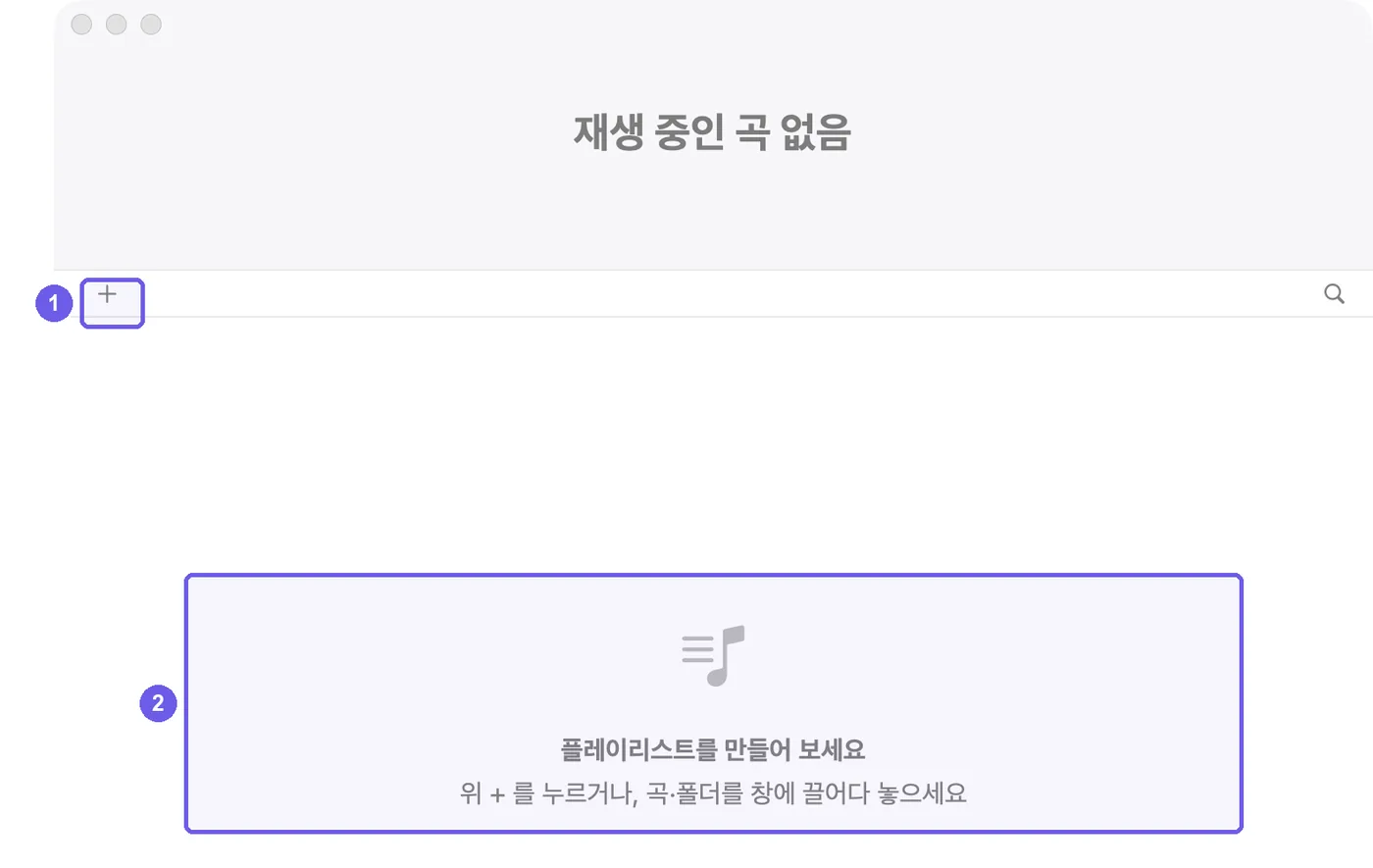
처음 켠 화면
처음 켠 화면
  1. 위의 +를 누르거나 ⌘O / Ctrl+O로 곡을 골라요. 곡 목록 빈 곳을 우클릭해 곡 · 폴더 추가…(윈도우는 곡 파일 추가… · 폴더 추가…)를 눌러도 돼요.
  2. 곡이나 폴더를 창에 끌어다 놓아도 돼요. 폴더를 통째로 넣으면 안의 폴더마다 탭이 하나씩 생겨요. 식순별로 폴더를 나눠 두면 그대로 탭이 돼요.

Need more help? Ask a question

Allow ad performance measurement?

If allowed, we share visits, purchases, ad/browser identifiers, IP address and browser information with Meta, Google, NAVER to measure ads. We do not share your email, payment credentials or download links. You can decline and use all features, or change your choice anytime.

Privacy policy