
FOR X AIR · X32 · M32
CueAir
Closer to your sound.
Familiar mixing. A little help from AI and presets.
Scroll to open
AI ASSISTANT
Start with
what you hear.
Open the AI panel and describe the adjustment in everyday language. Start with the sound you want.
ChatGPT · Claude
Connect your own AI account to get started.
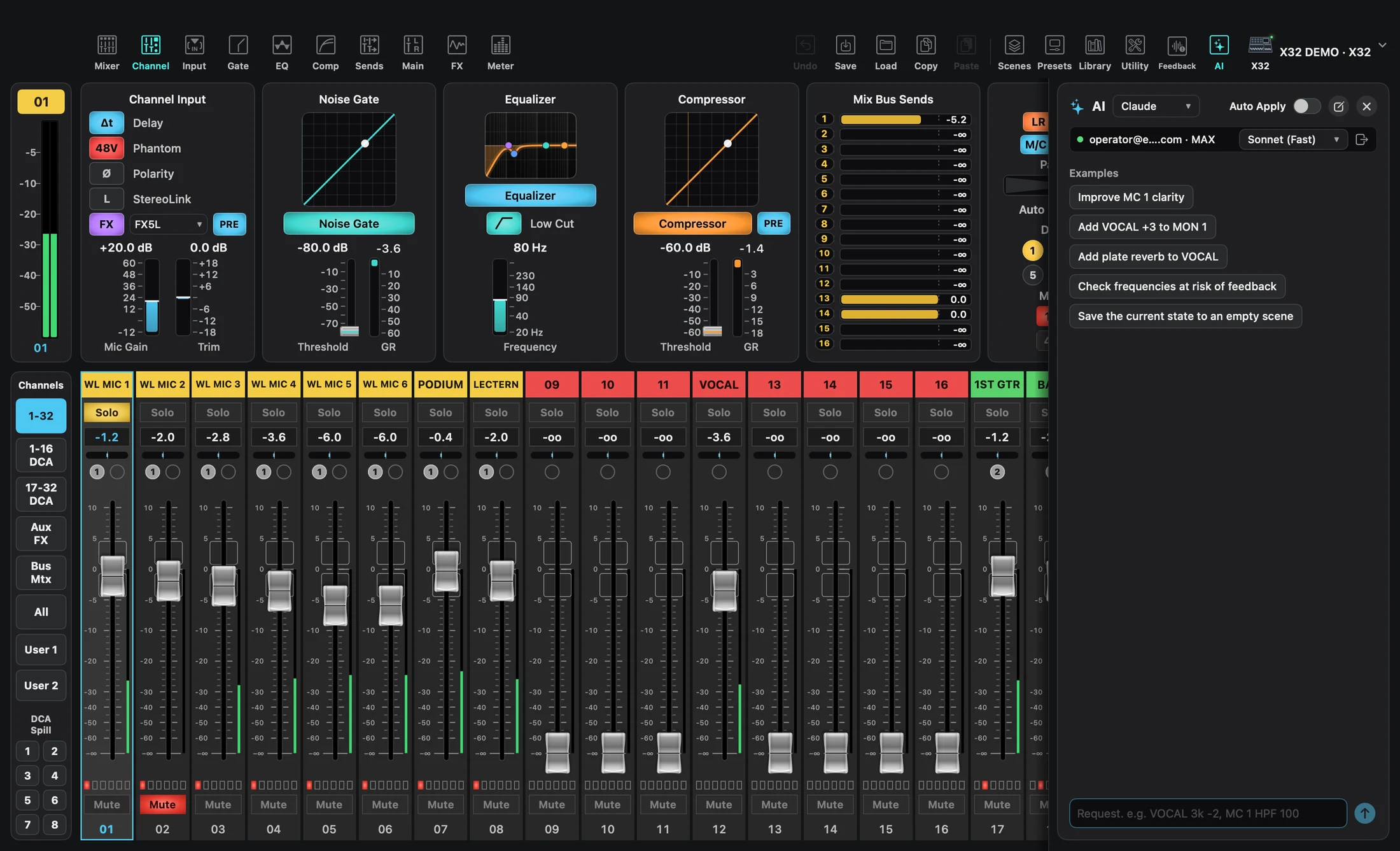
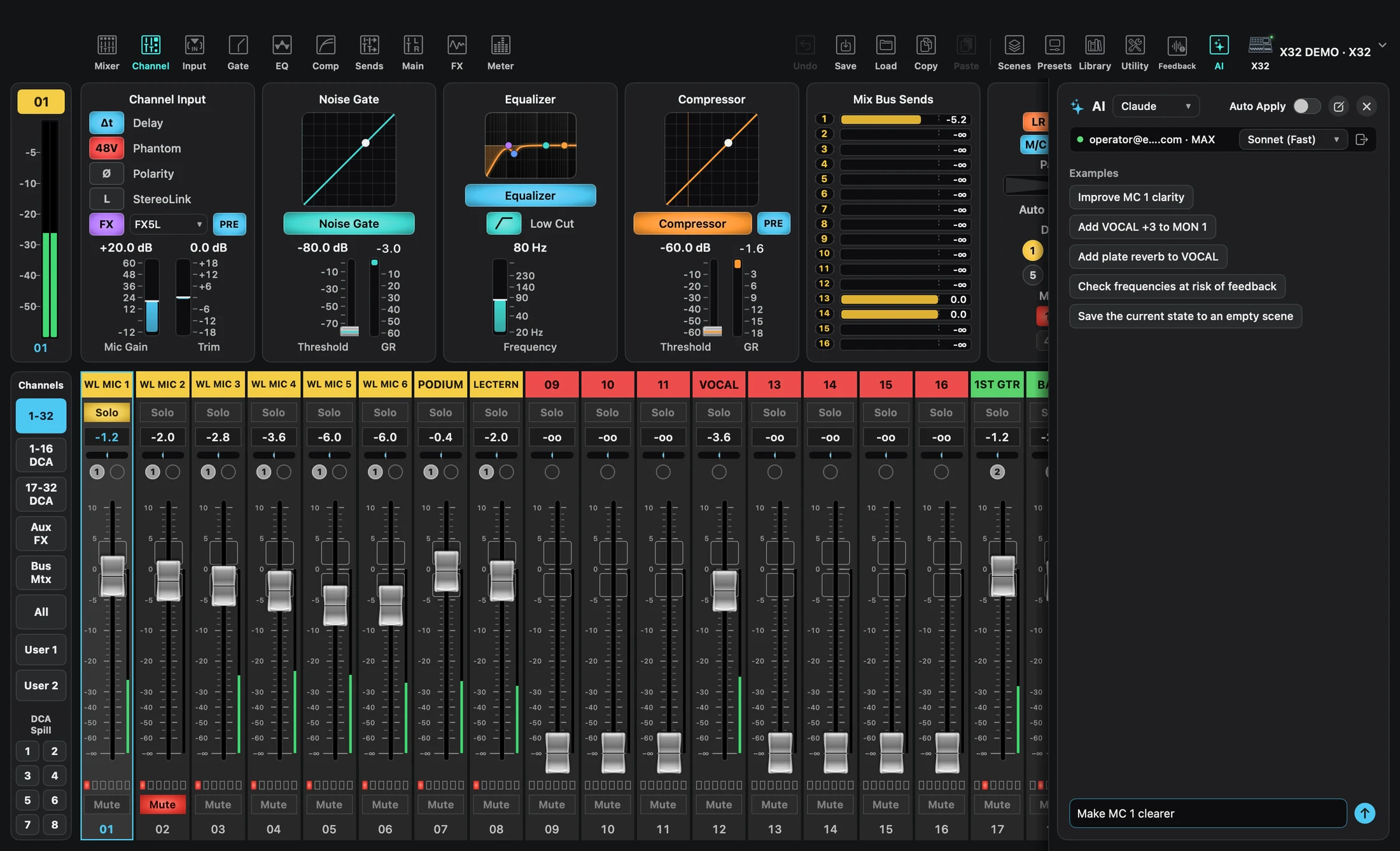
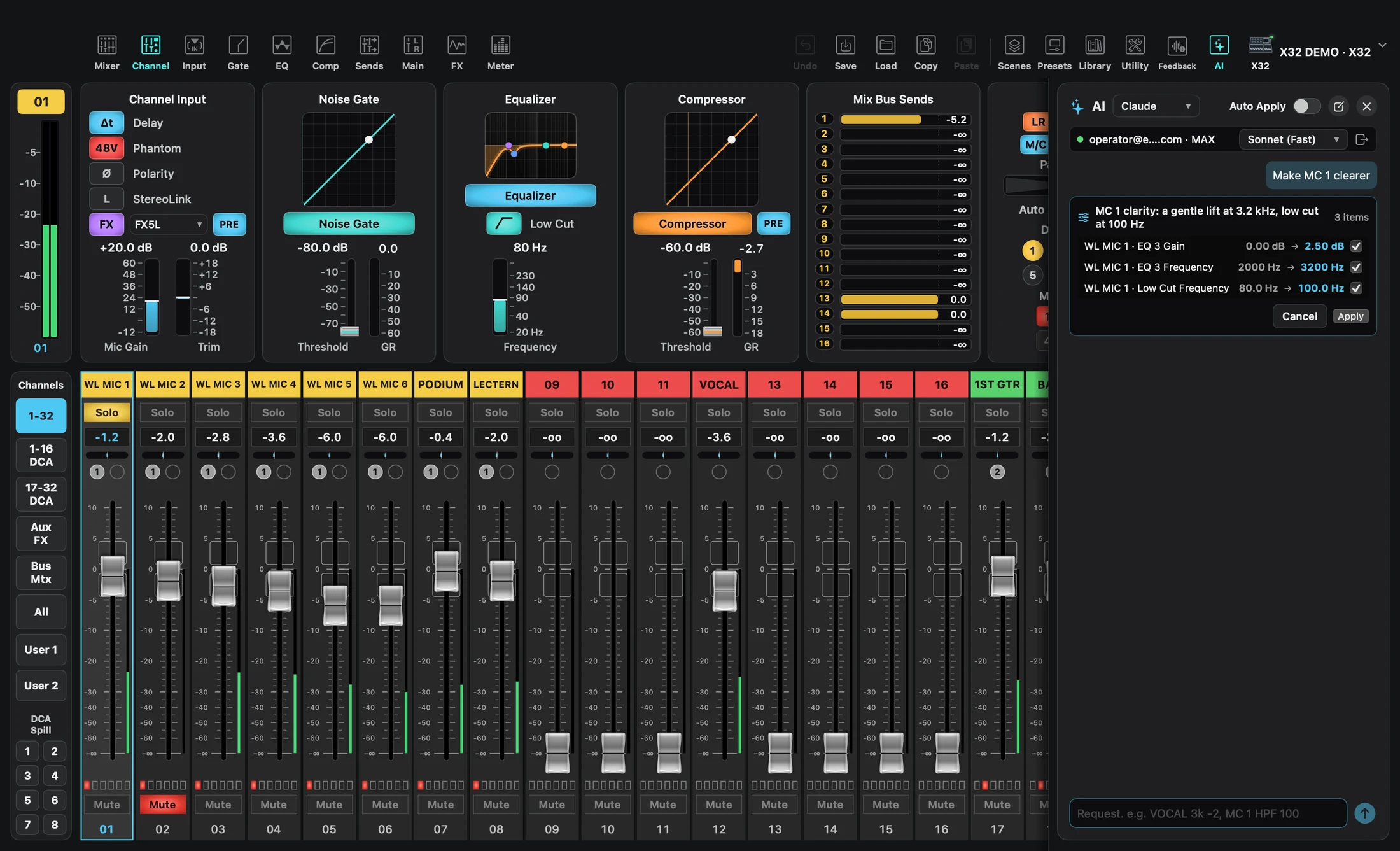
Example workflow · Connect your own AI account
PRESETS
A head start.
Choose your preset.
Speech, vocals or instruments. Find a preset that gives your source a useful starting point.
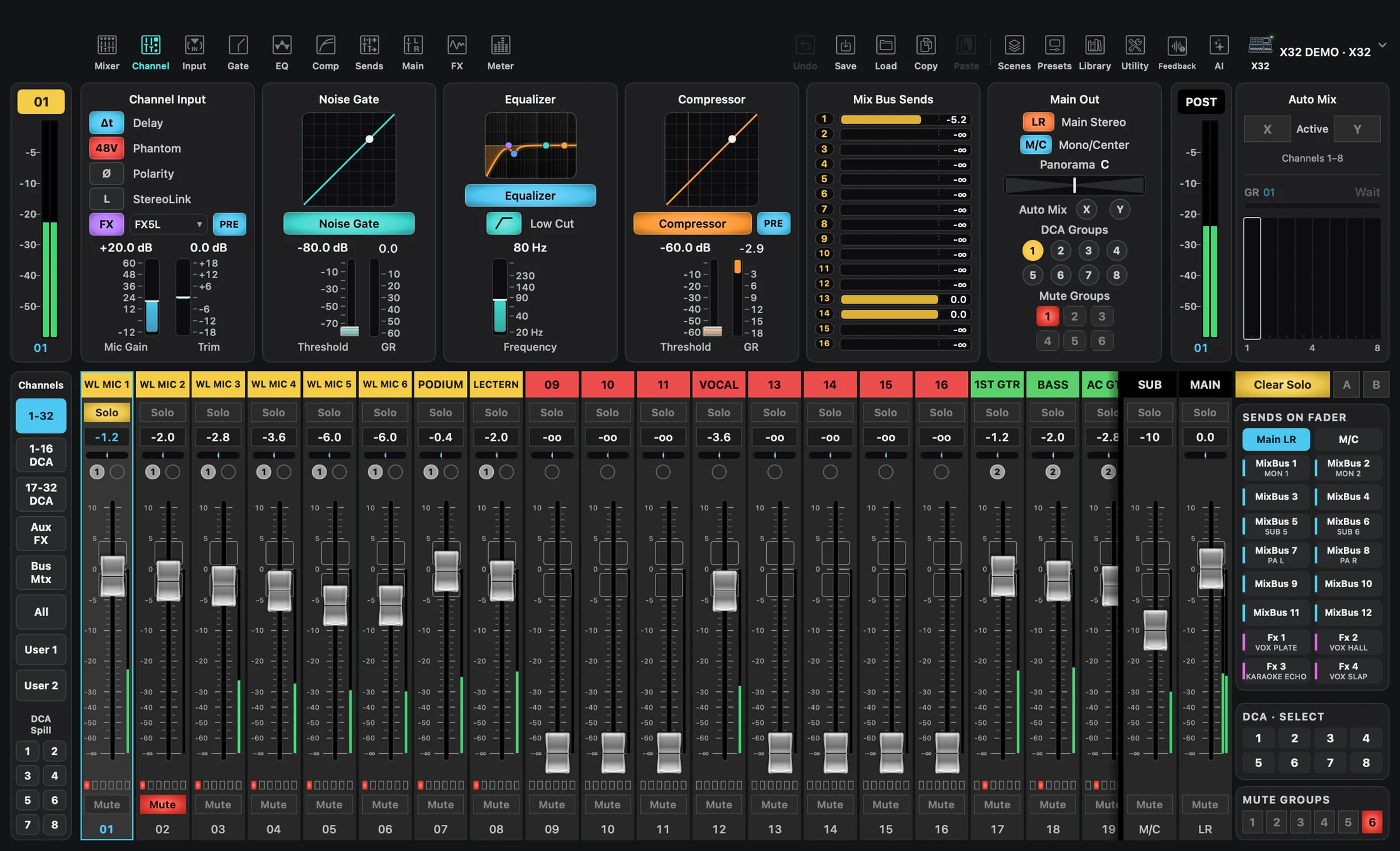
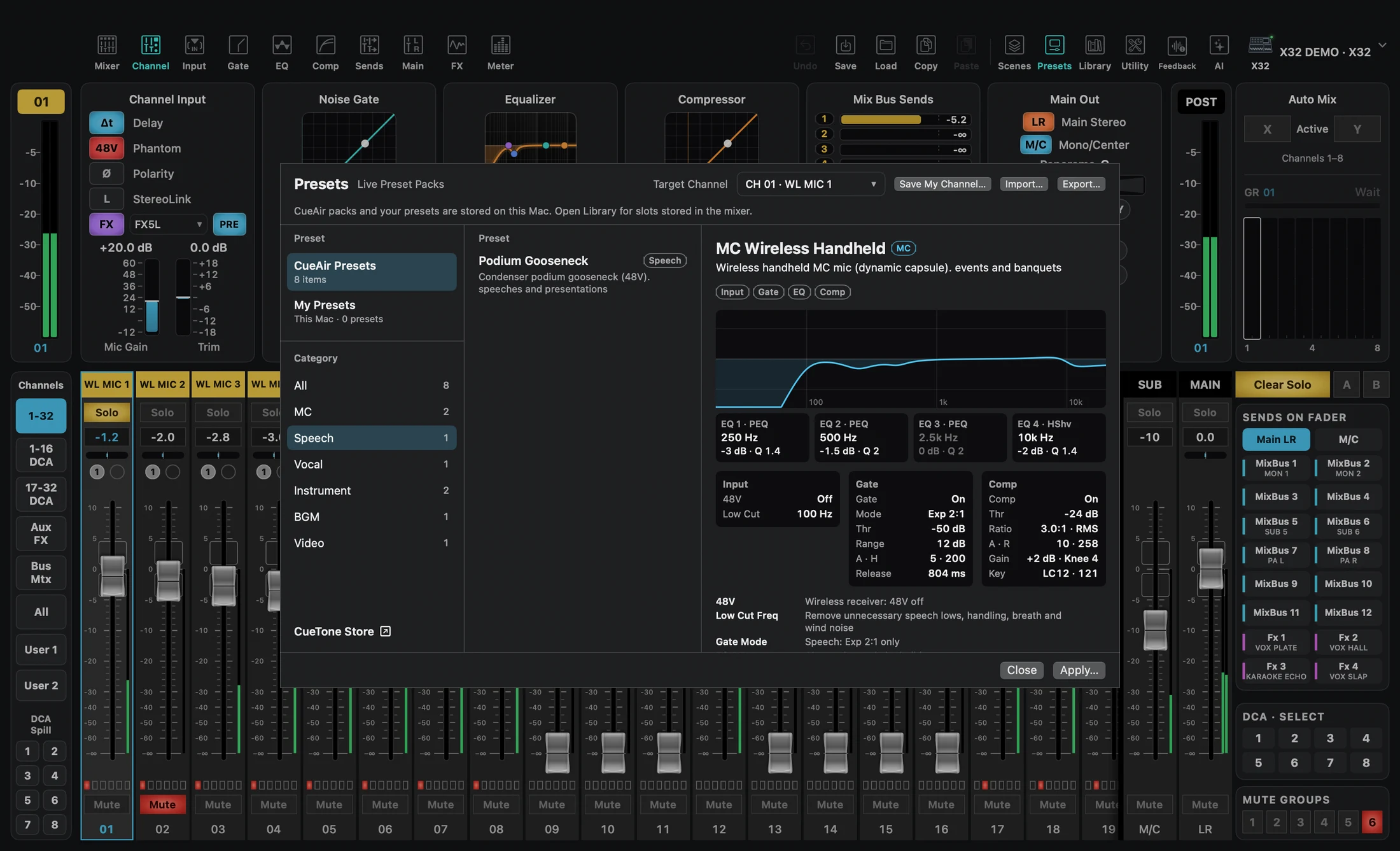
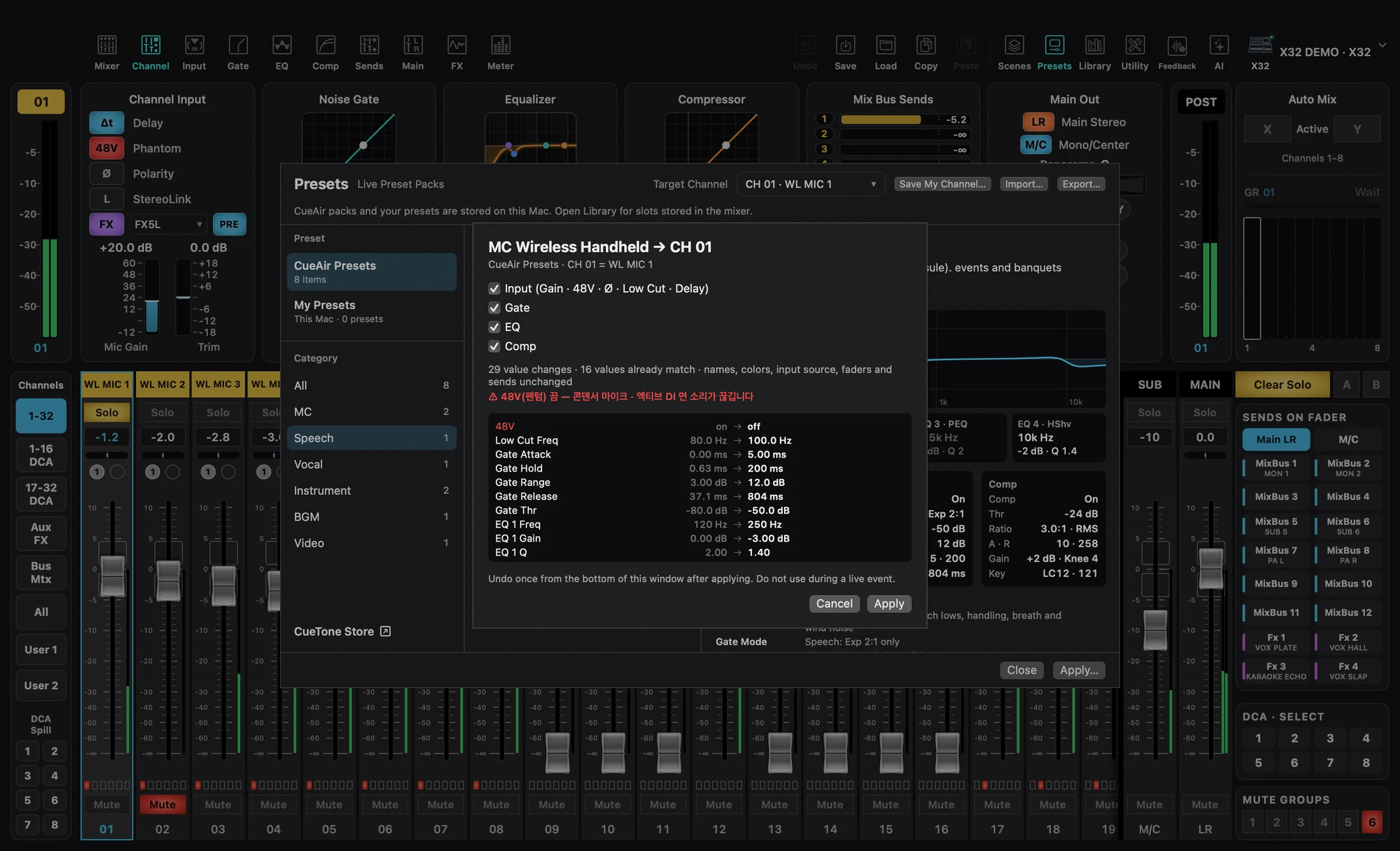
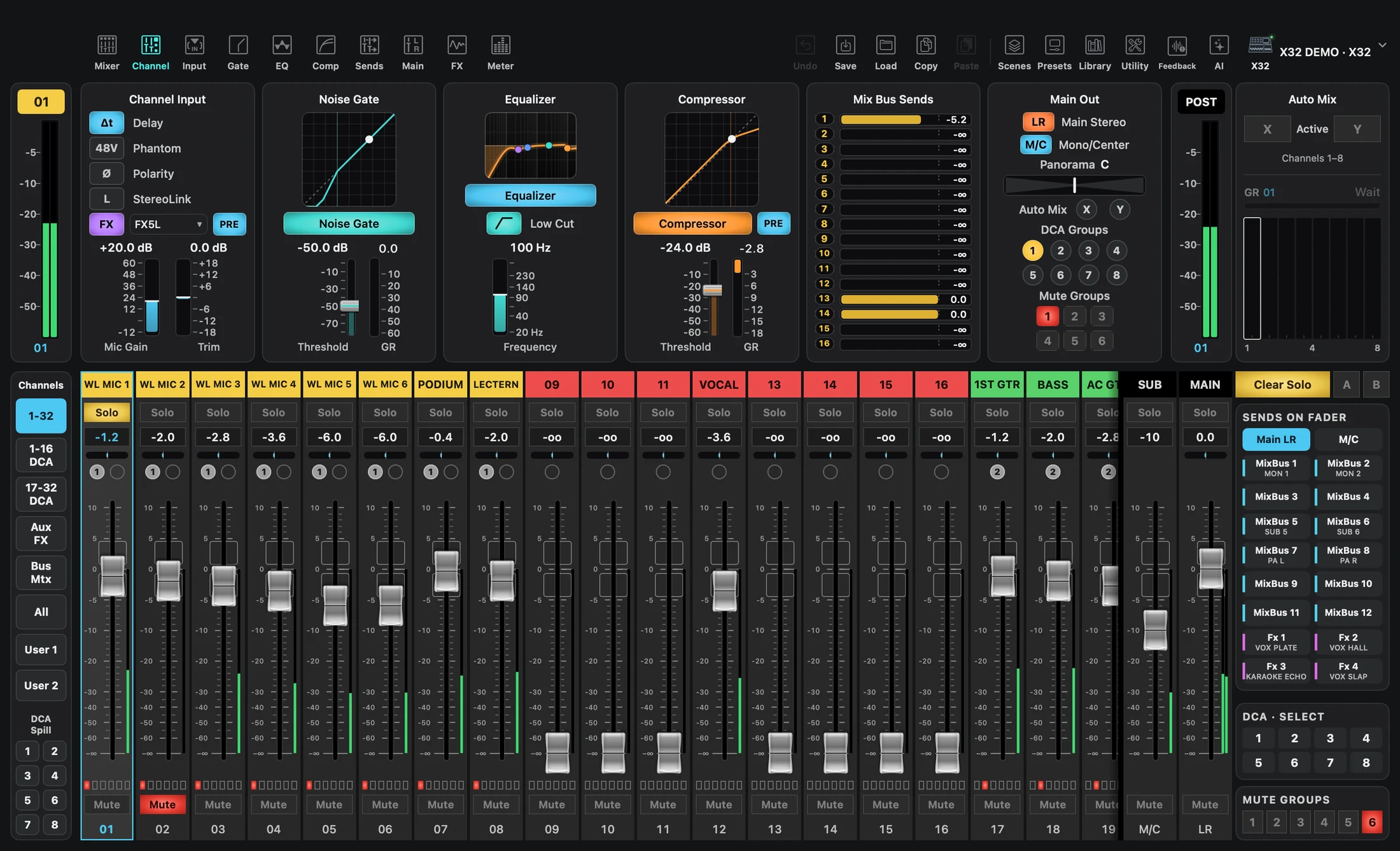
Example workflow · MC → CH 01
YOUR MIX. YOUR VIEW.
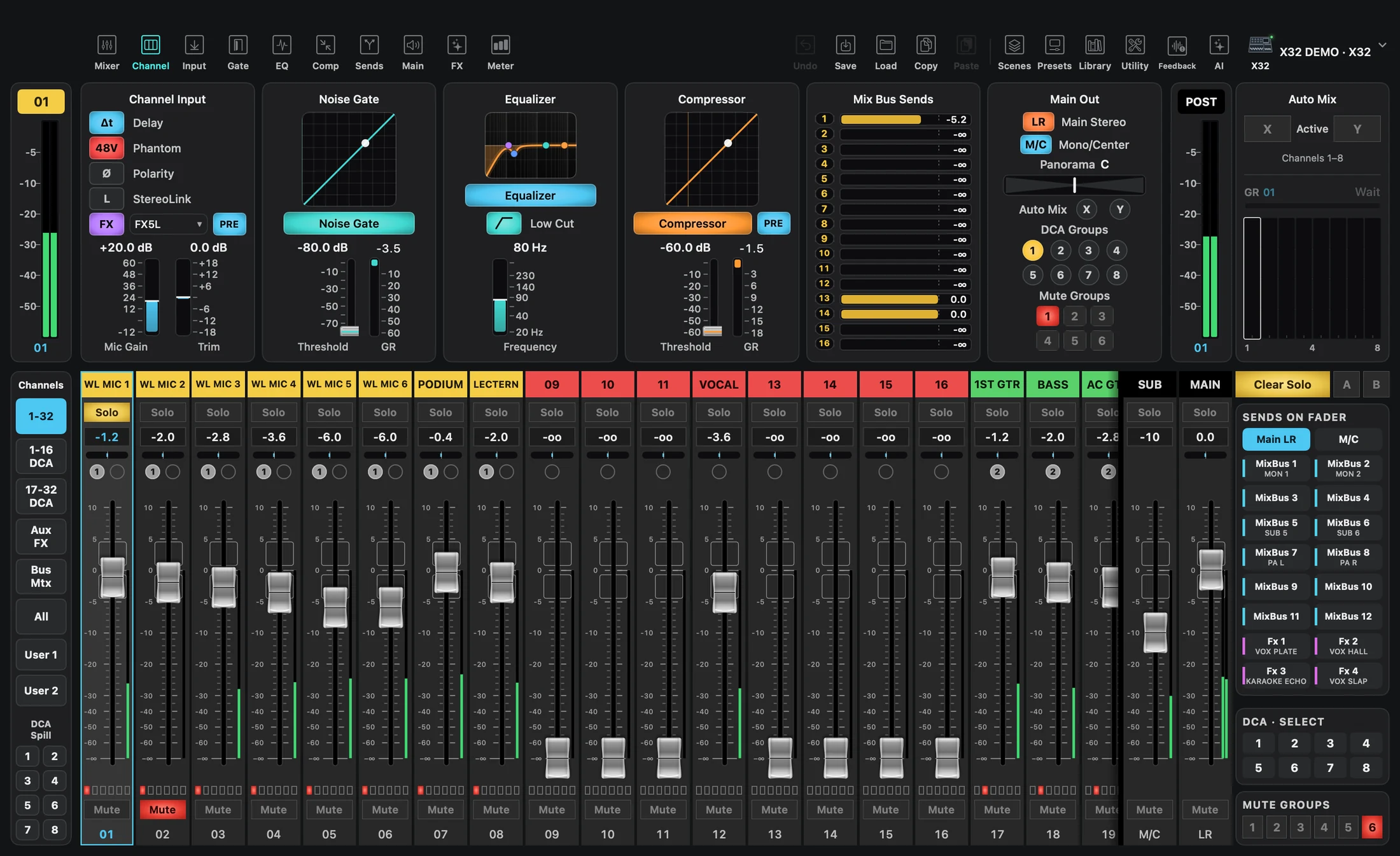
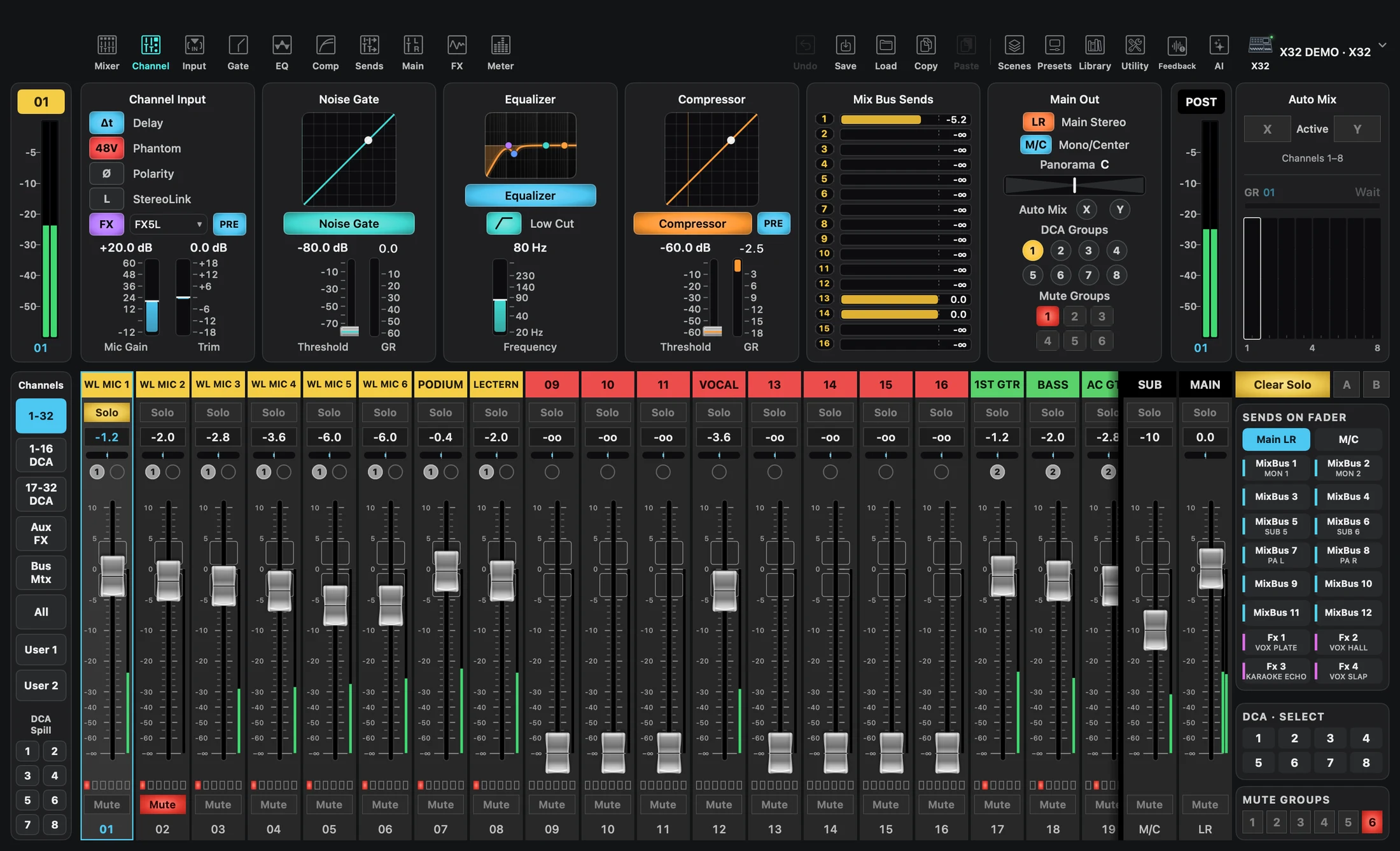
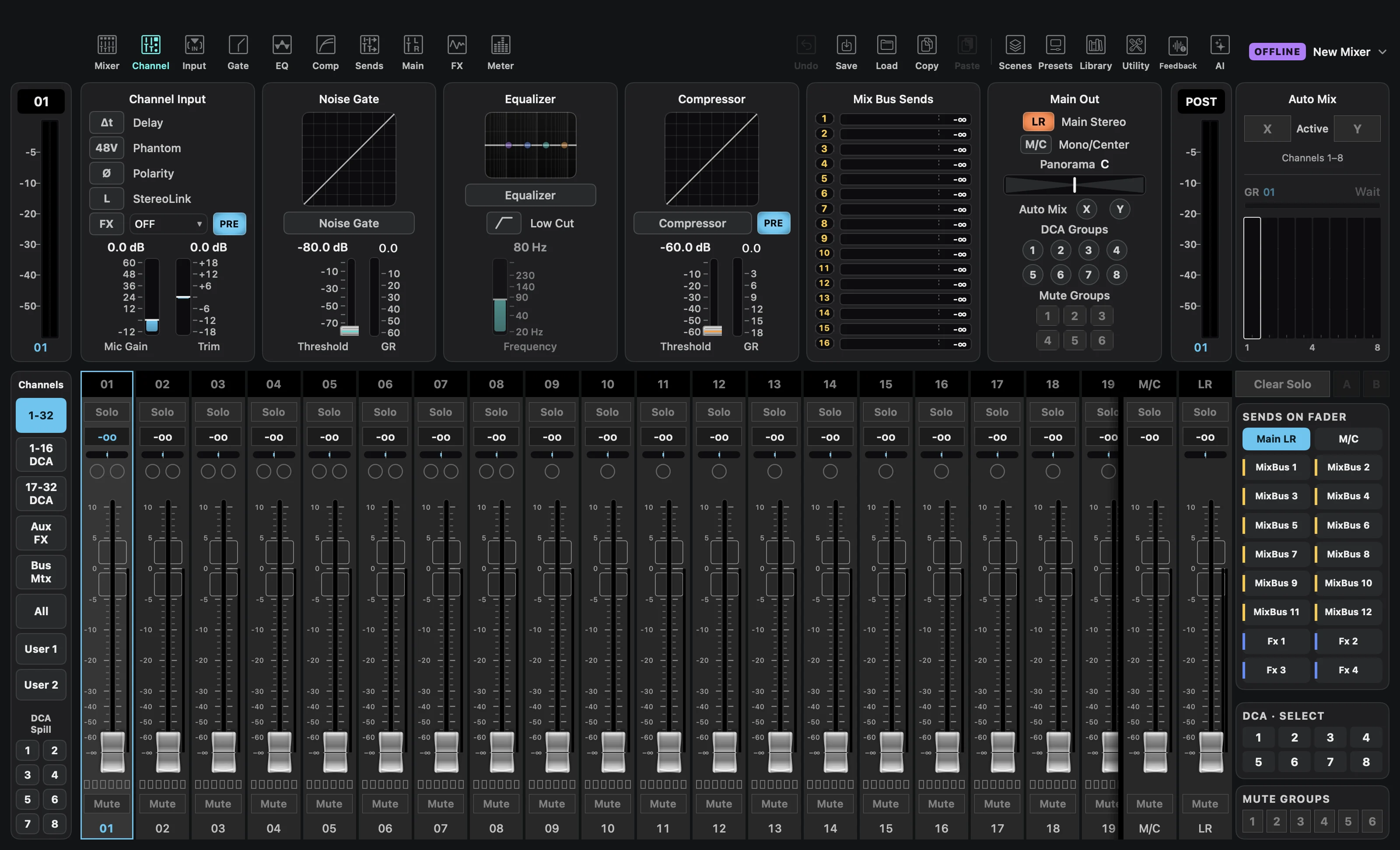
One channel. All in view.
Input, EQ, compression and sends. The controls you need, together.
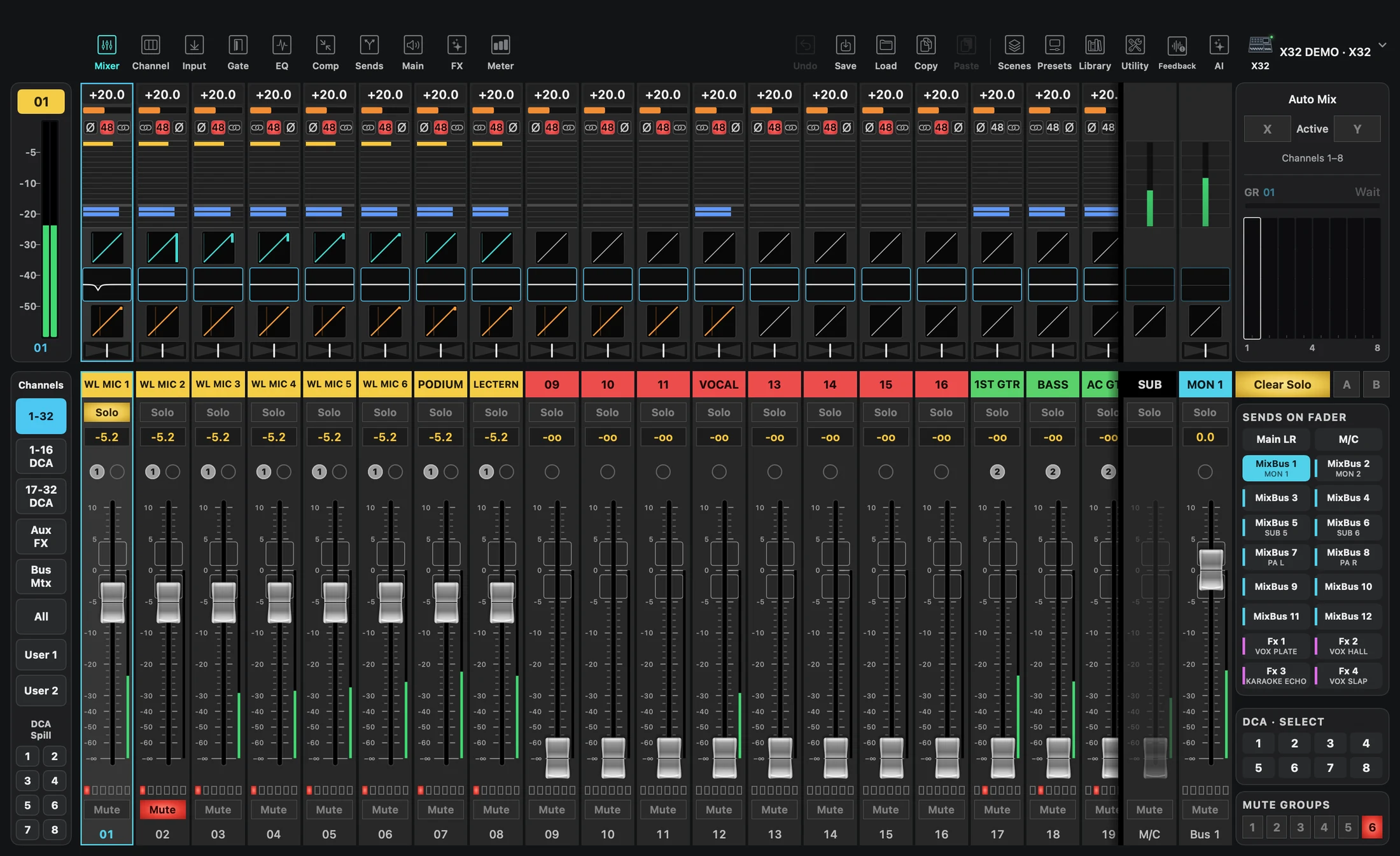
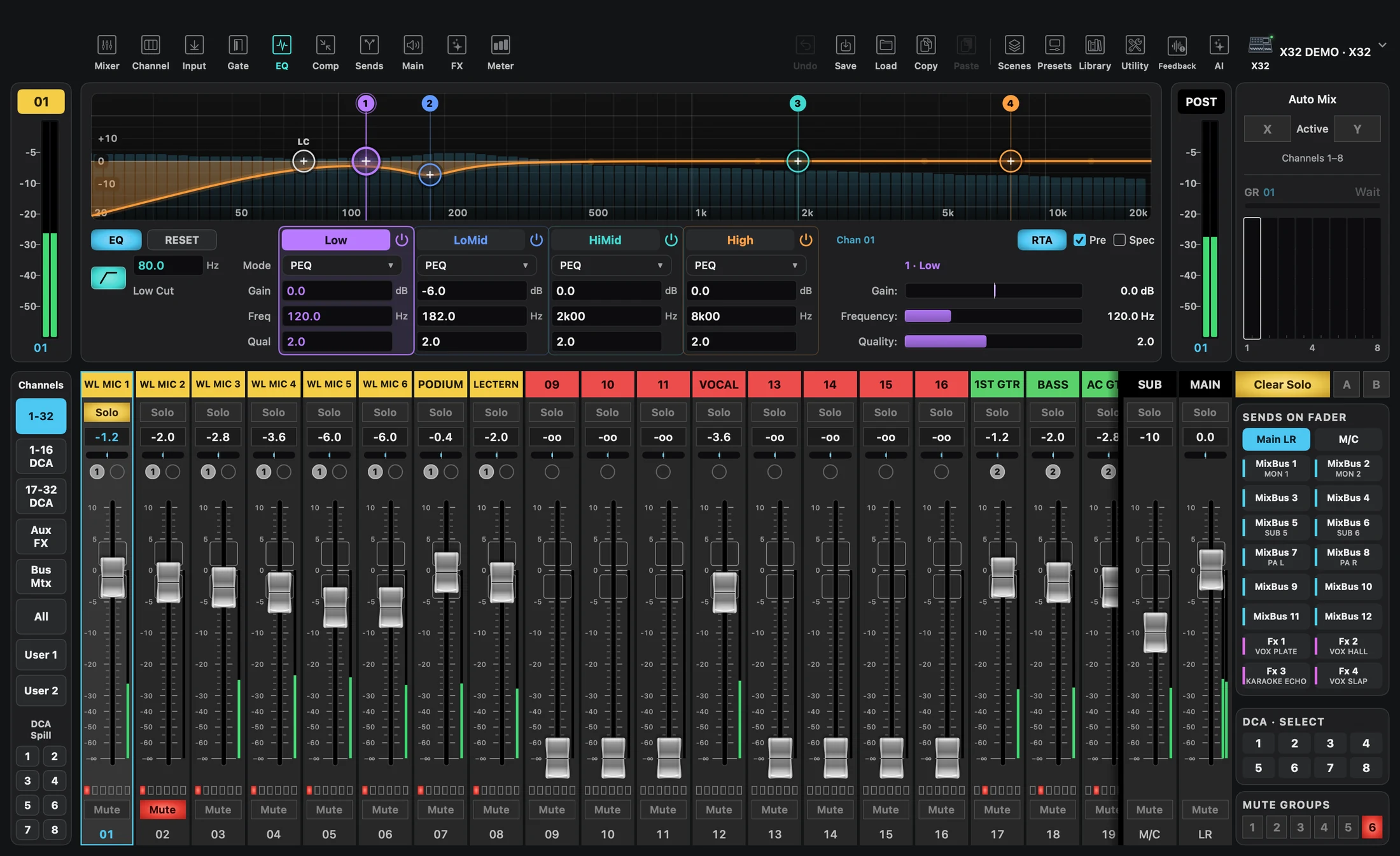
FX
Familiar racks.
All in view.
From FX 1–4 to FX 5–8. Explore the effect banks available on your mixer.
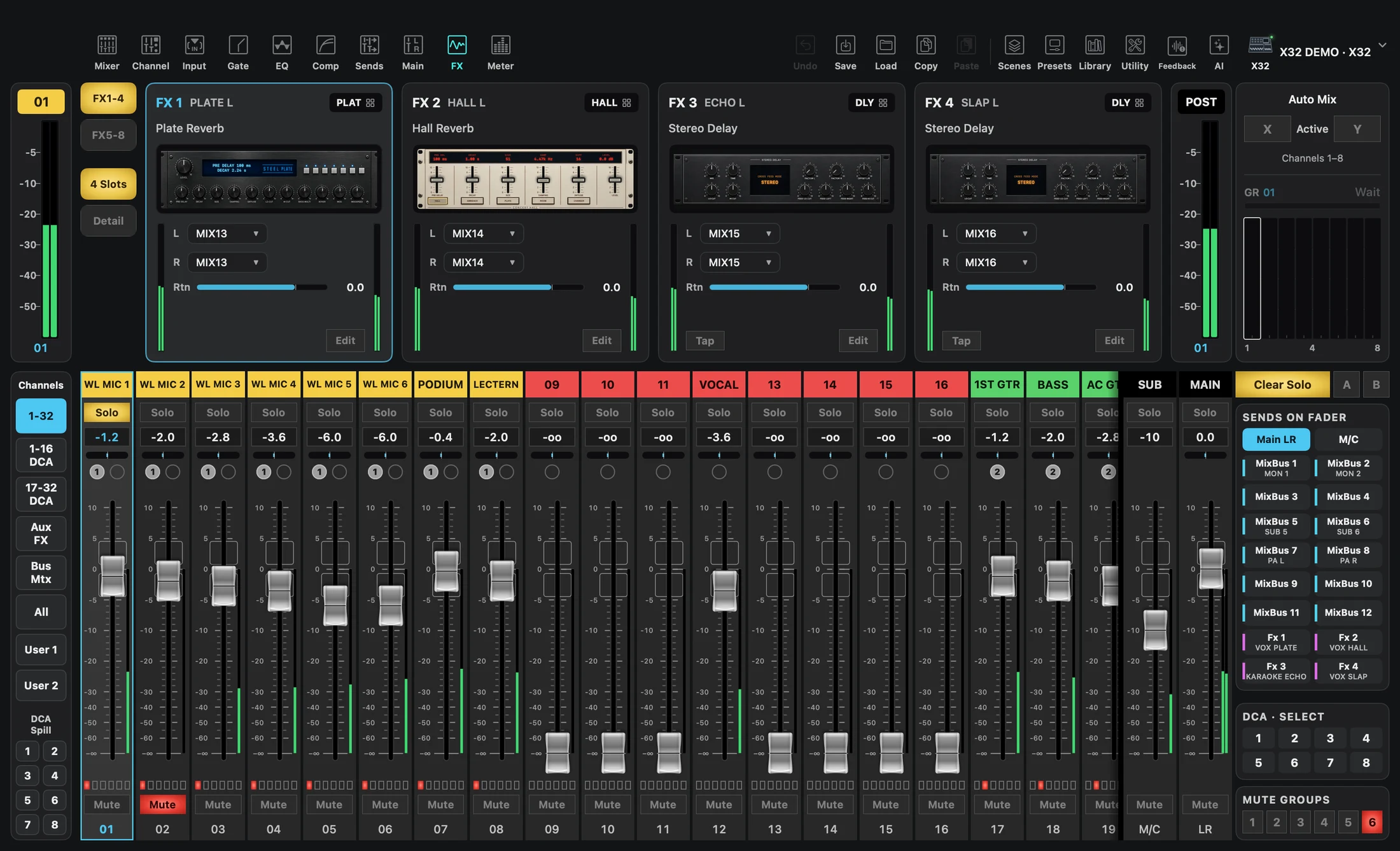
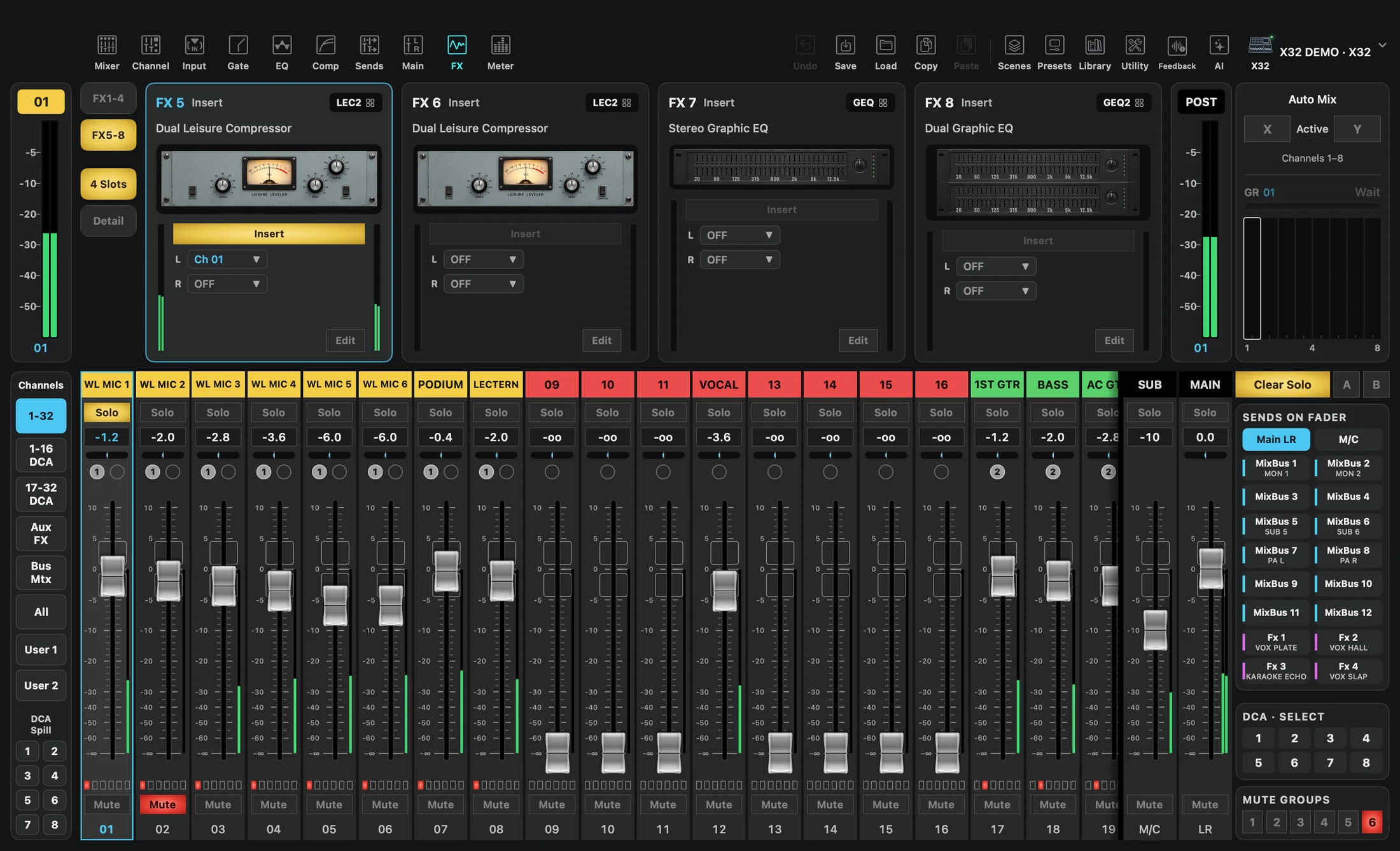
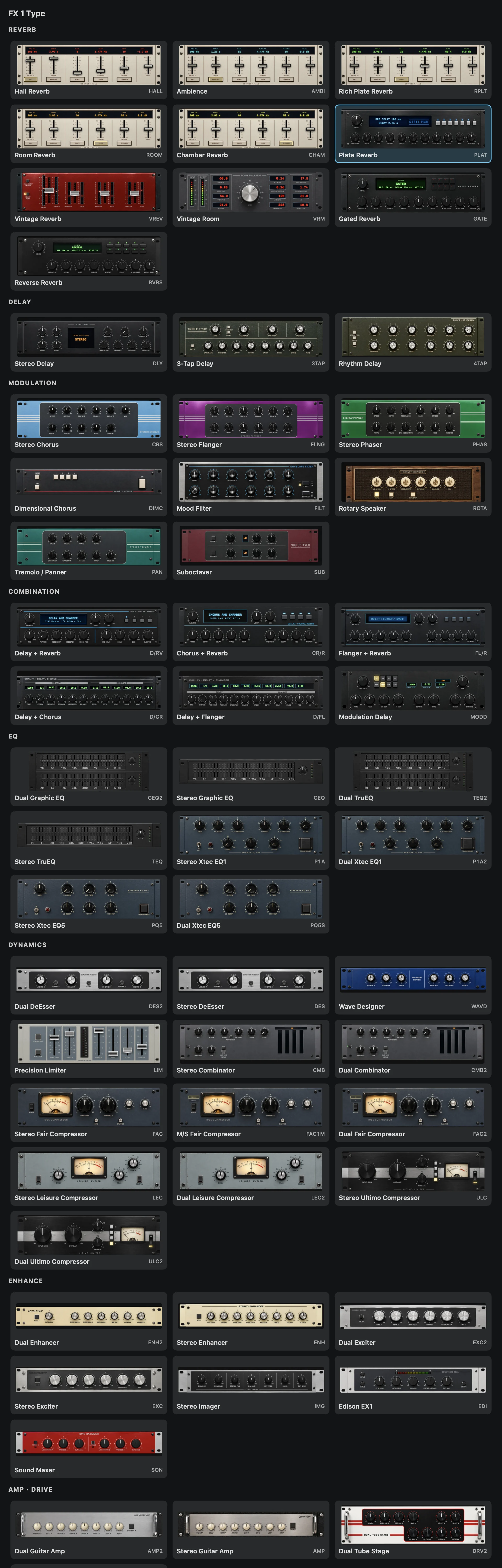
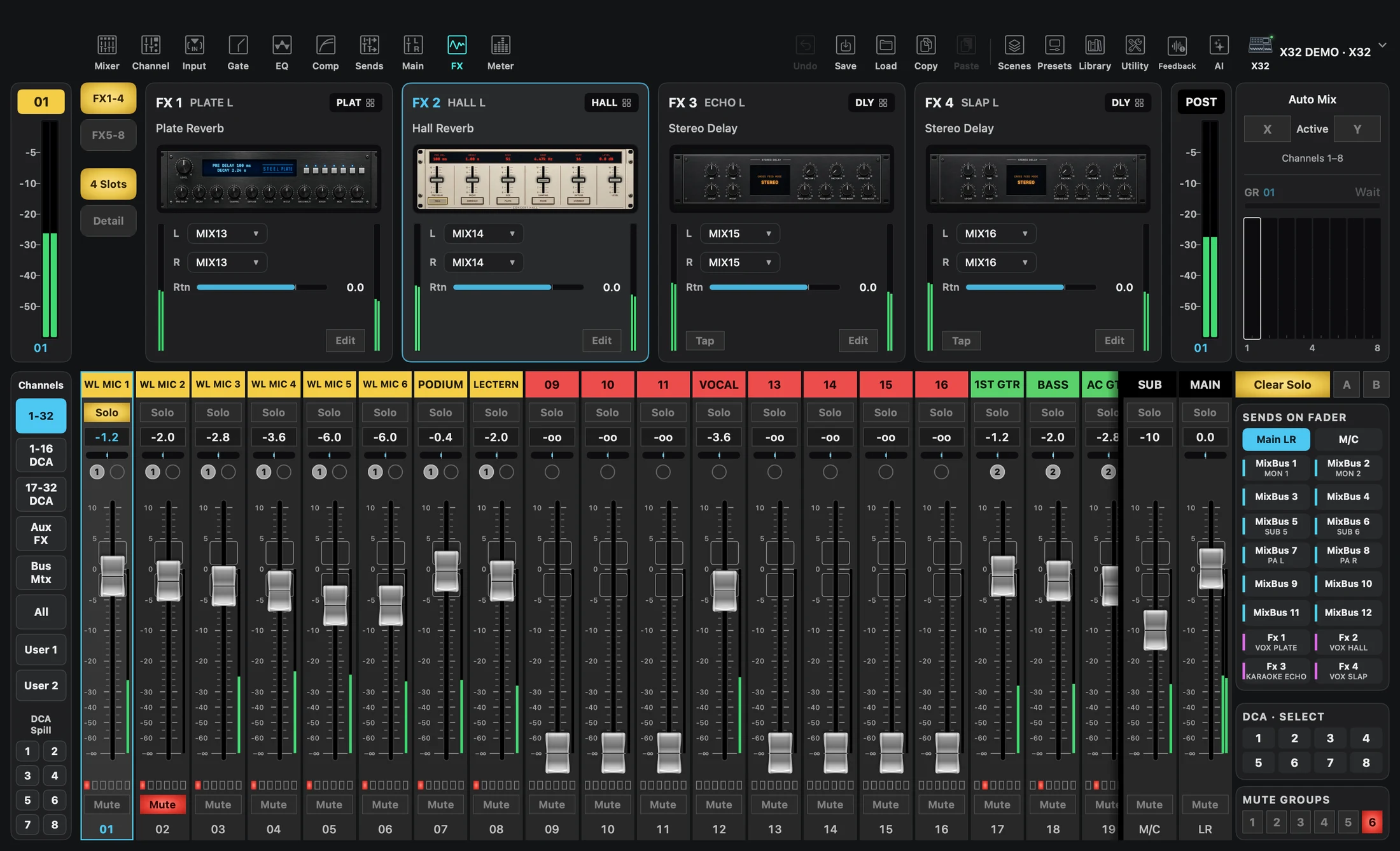
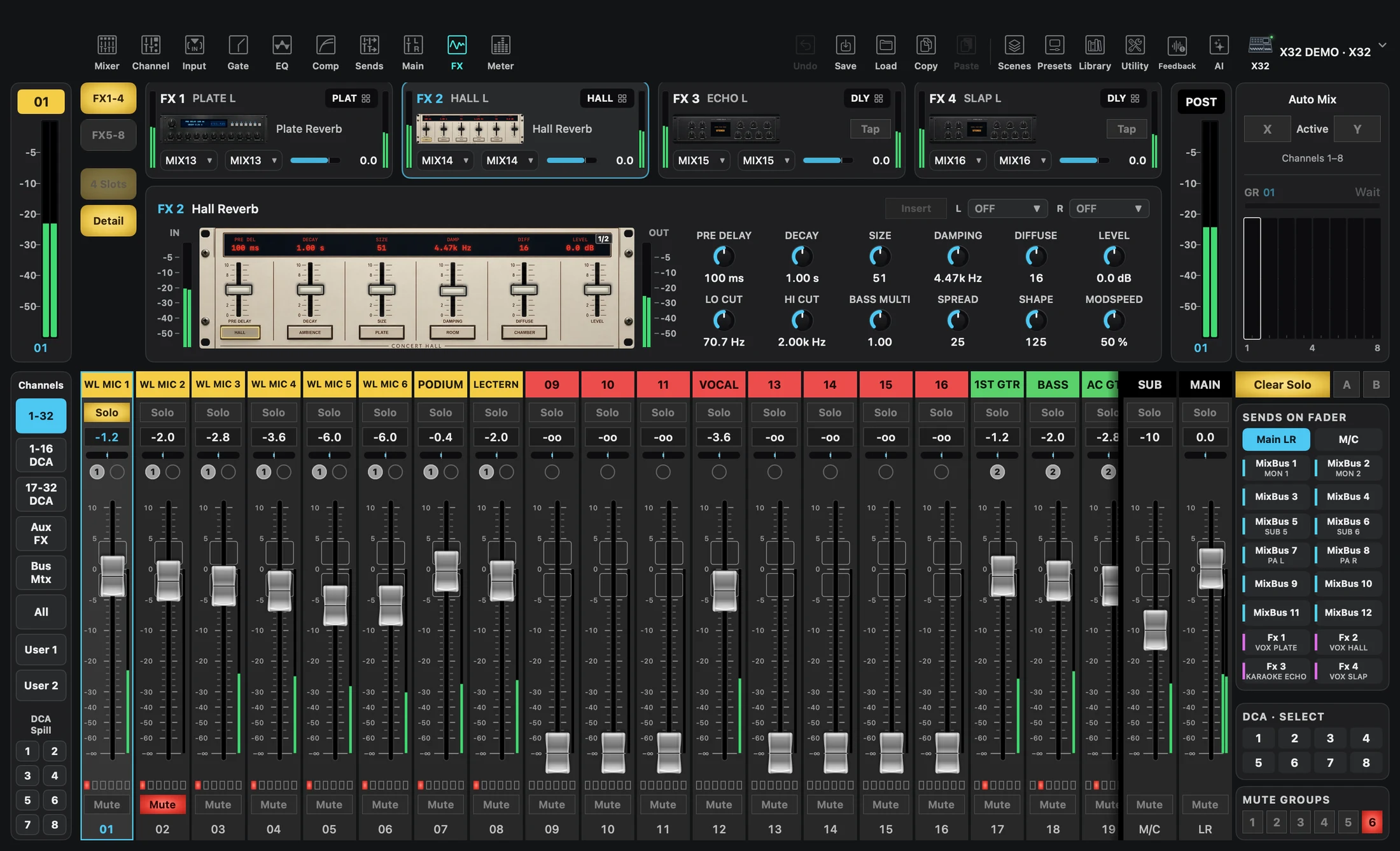
Example workflow · Scroll to explore
FEEDBACK
See feedback rise.
Watch the cut take hold.
Follow detection on the RTA, then a PEQ notch or GEQ band cut. Explore one page at a time.
Recorded on an XR18 demo mixer. Available modes depend on your mixer.
X-TOUCH
Familiar controls.
Made your own.
Choose a fader, knob or button on screen and map its function. Your own controls alongside the mixer.
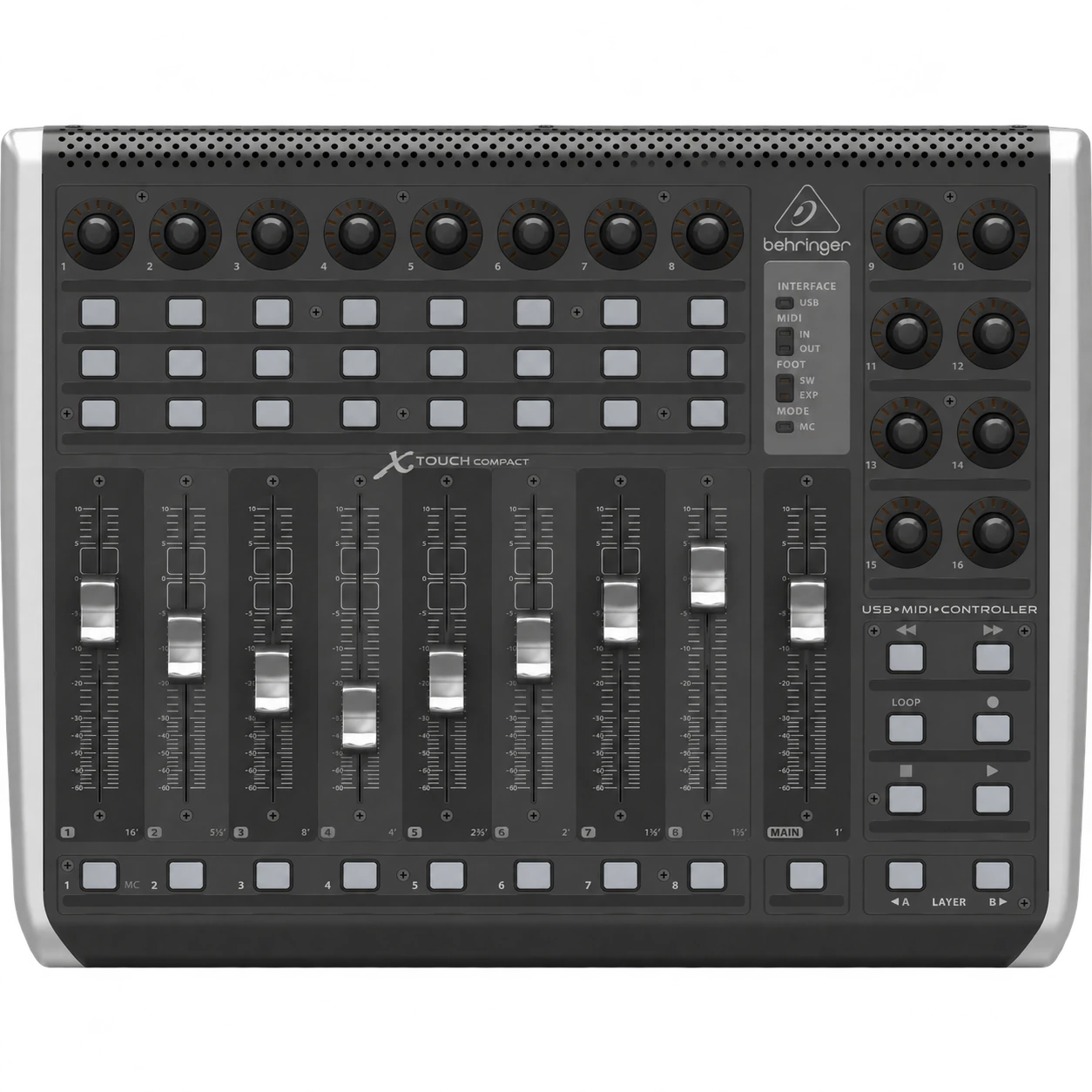
X-TOUCH COMPACT
Knob 1
When turned
Mapping example
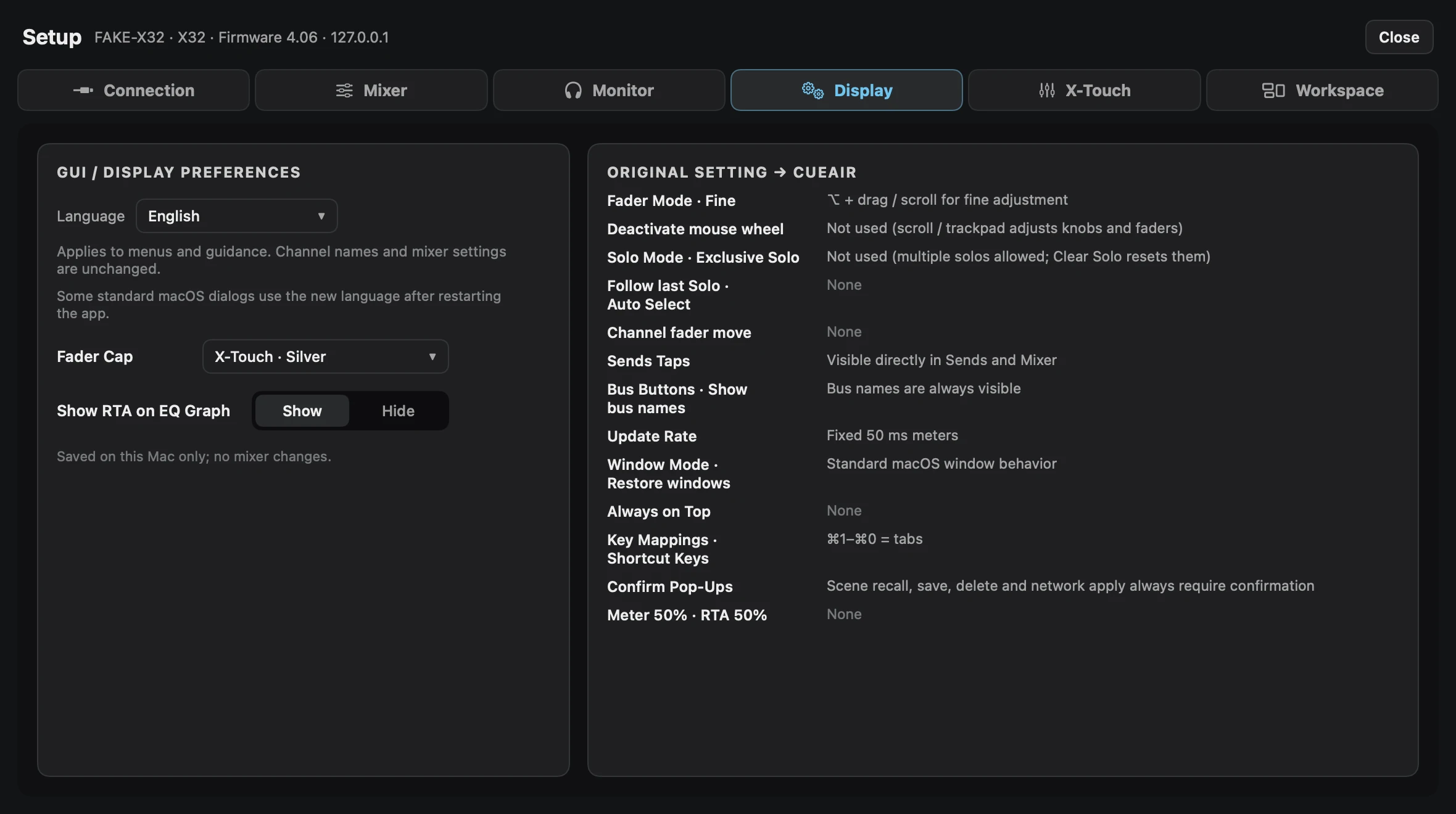
CUEAIR FOR IPAD
The same mix.
Closer to the stage.
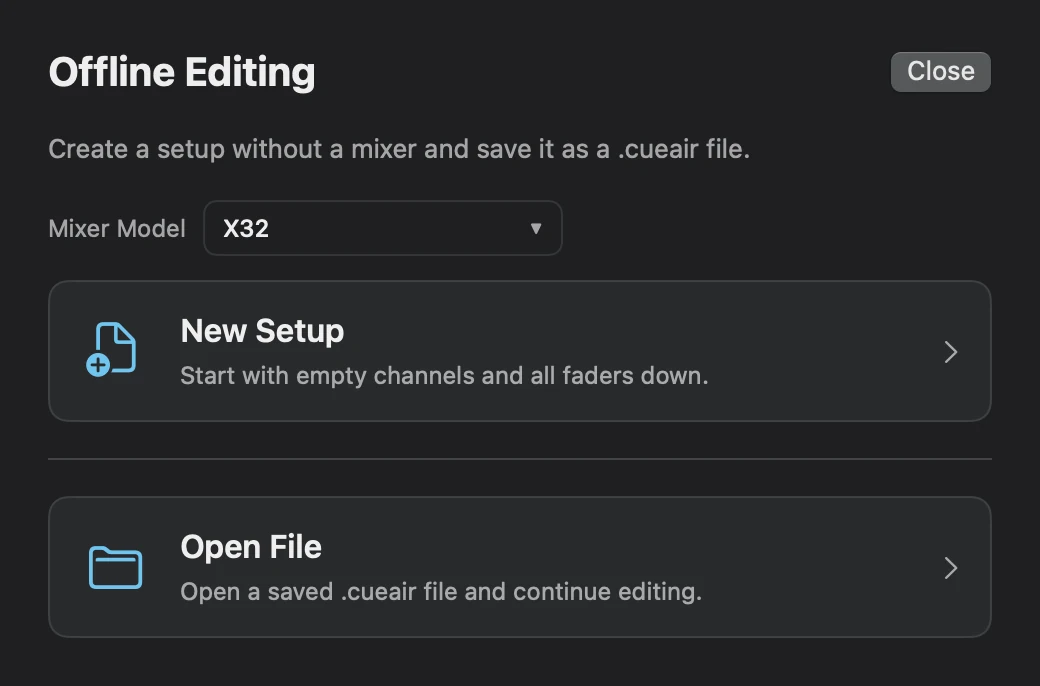
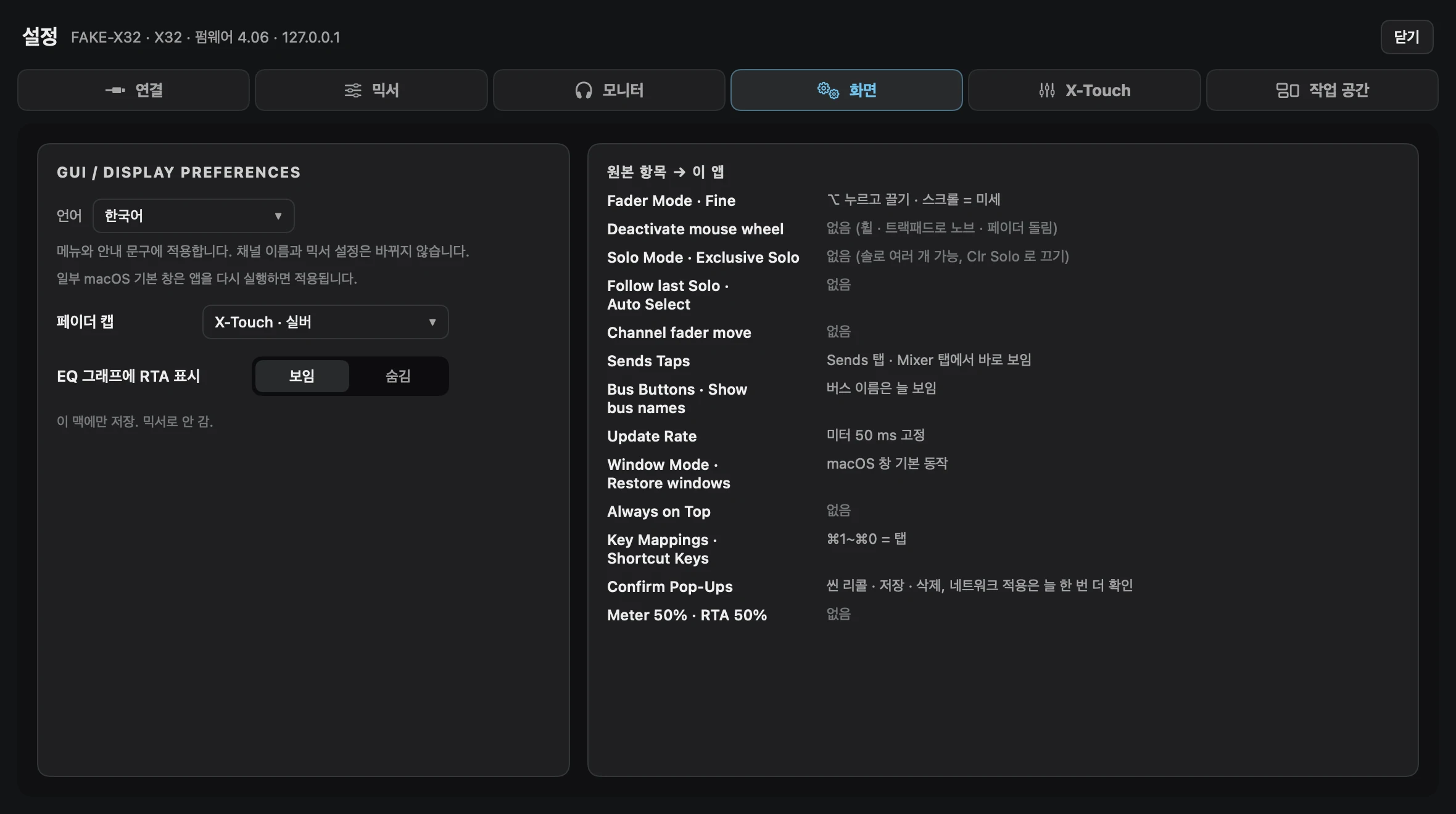
Listen to the monitors and adjust them right there. Scroll to explore the main CueAir views.
Coming to the App Store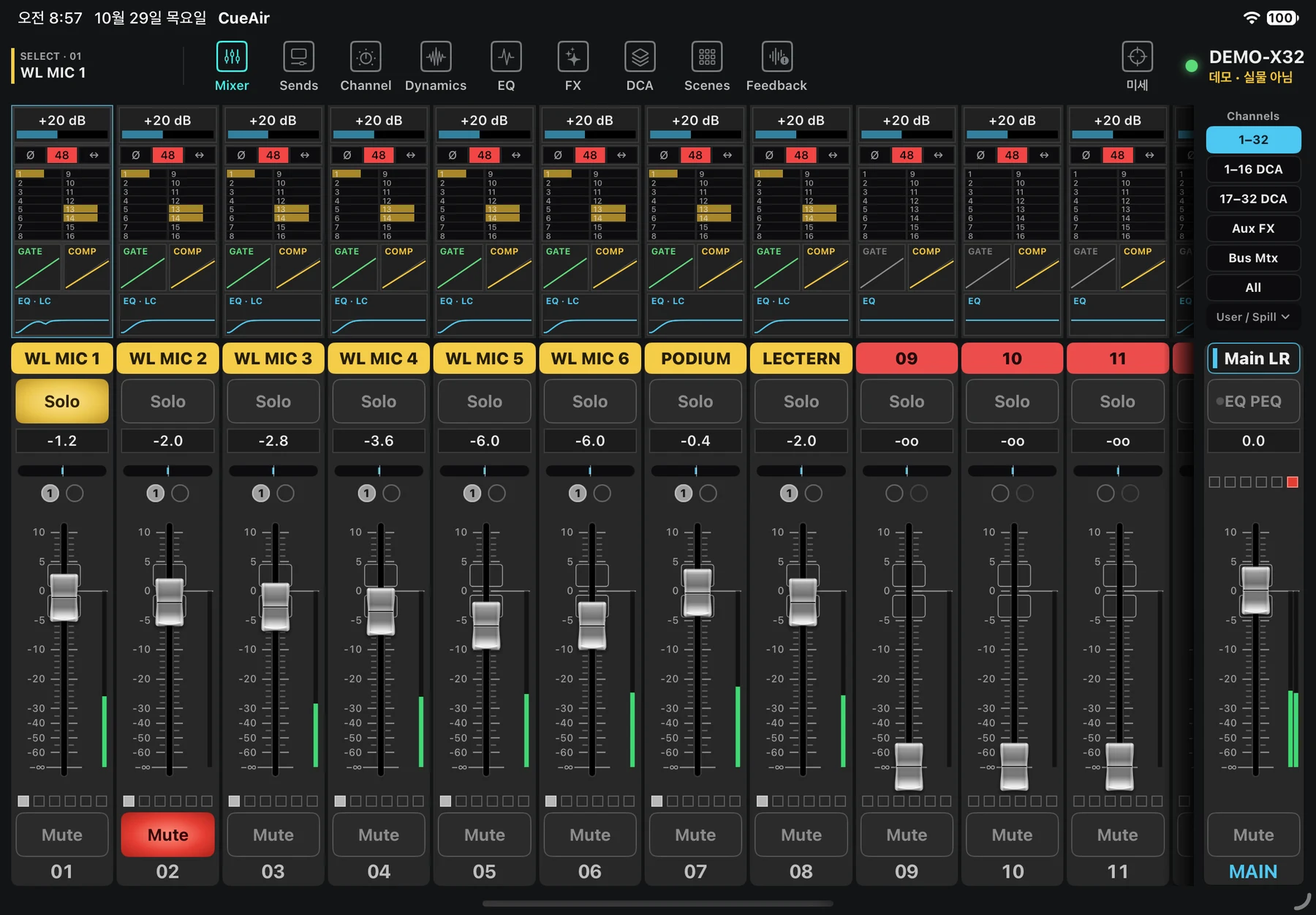
Development preview
CUEAIR
Your next mix.
With CueAir.
XR18 · XR16 · XR12 · MR18 · X18
X32 · M32
Screenshots use demo mixers. Features vary by connected model.
Support CueAir · Preview updates · Feedback ↗
CueAir is an independent app, not affiliated with Music Tribe. Product names and trademarks belong to their respective owners.