
CueAir · Safety on site
First-write confirmation and View only
updated
A physical WING, TF, CQ, or Ui shows this dialog once per connection, right before the first change is sent. It also explains that CueAir matched the mixer to the signals exchanged with the maker's own app and that testing on real consoles is still in progress. Check in a rehearsal first.
- Title:
Sending changes to this mixer for the first time - Approve:
Start making changes - Decline:
View only
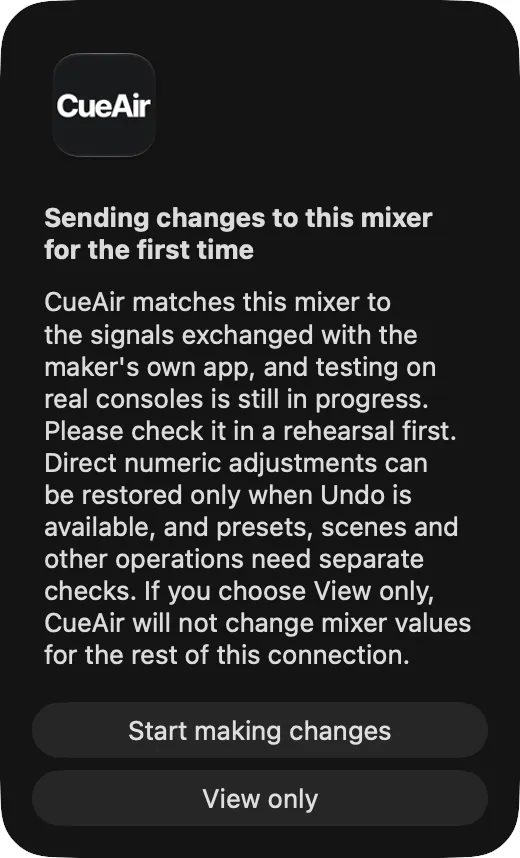
Start making changes sends that change, and the same connection does not ask again. Choosing View only blocks changes for that connection and locks the controls. View only stays in effect until that connection ends. Reconnecting resets the consent state; reconnecting is not itself approval.
This is not a global lock for every mixer. X AIR and X32/M32, Demo, and Offline are excluded. Do not expect this dialog to protect ordinary edits on those mixers.