
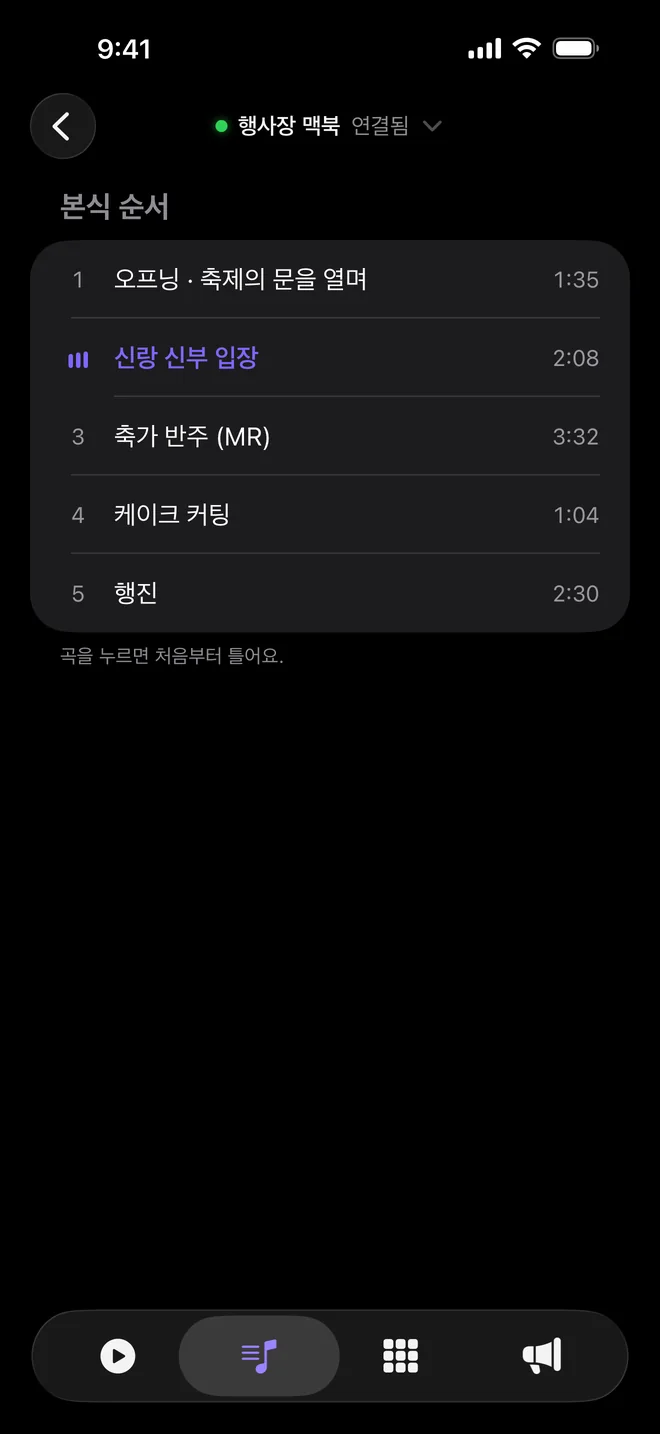
Tracks
Your CuePlayer playlists and tracks, as they are. Tap a track and it plays from the top.

Cue Remote
Phone app · Free
Control CuePlayer from your phone, at the side of the stage or out in the room. Playback, stops, sound pads and announcements, all on one screen.
iOS 18+ · No sign-in · Works with CuePlayer 1.1.22+ (Mac) and 1.0.25+ (Windows)
Android is in progress.
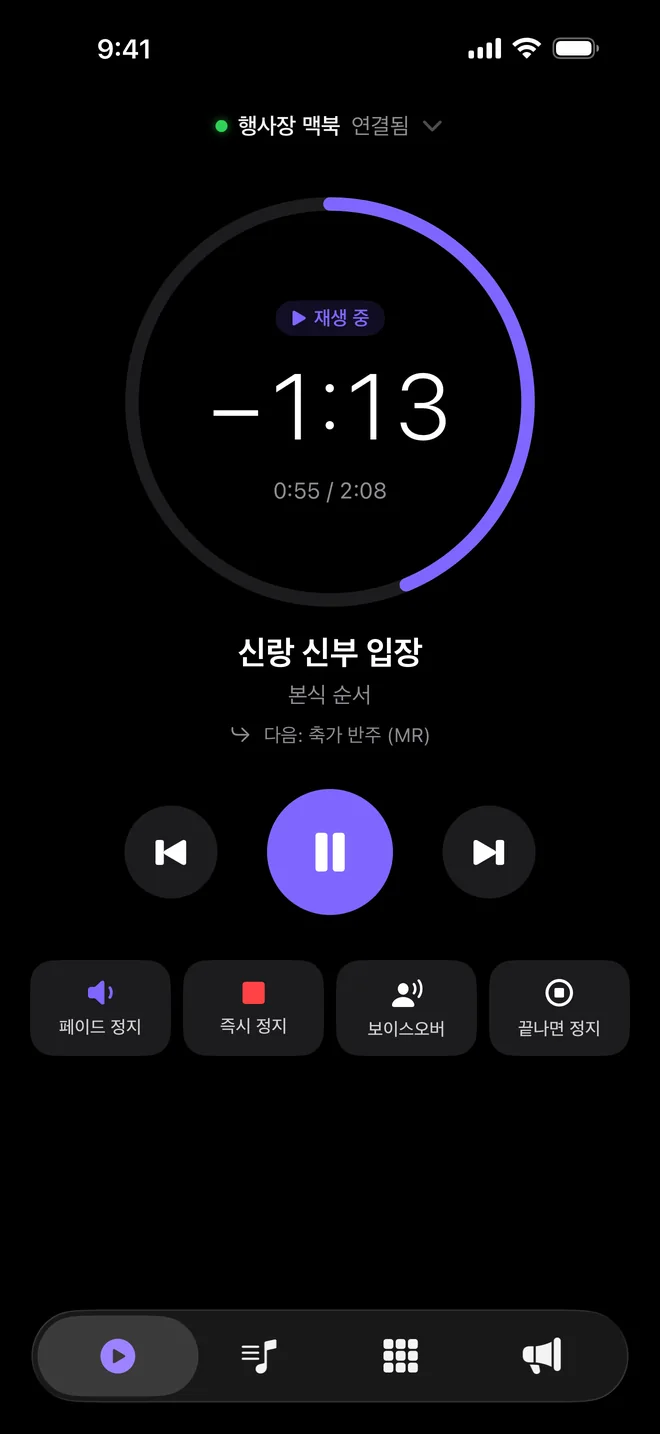
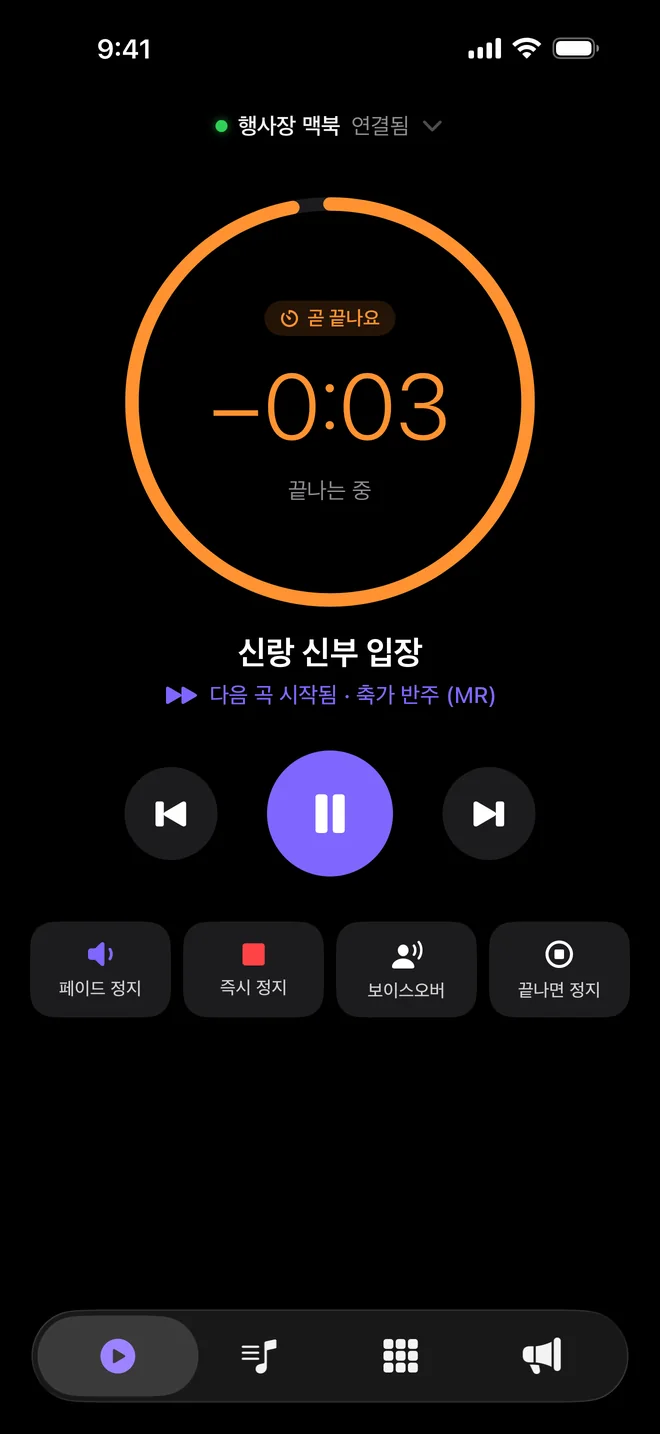
Now playing
The current and next song, with the time left as a large number and a ring. It turns orange 15 seconds before the end, and during a crossfade it keeps counting the outgoing song down 3 · 2 · 1 to zero.
Four tabs
Your CuePlayer playlists and tracks, as they are. Tap a track and it plays from the top.
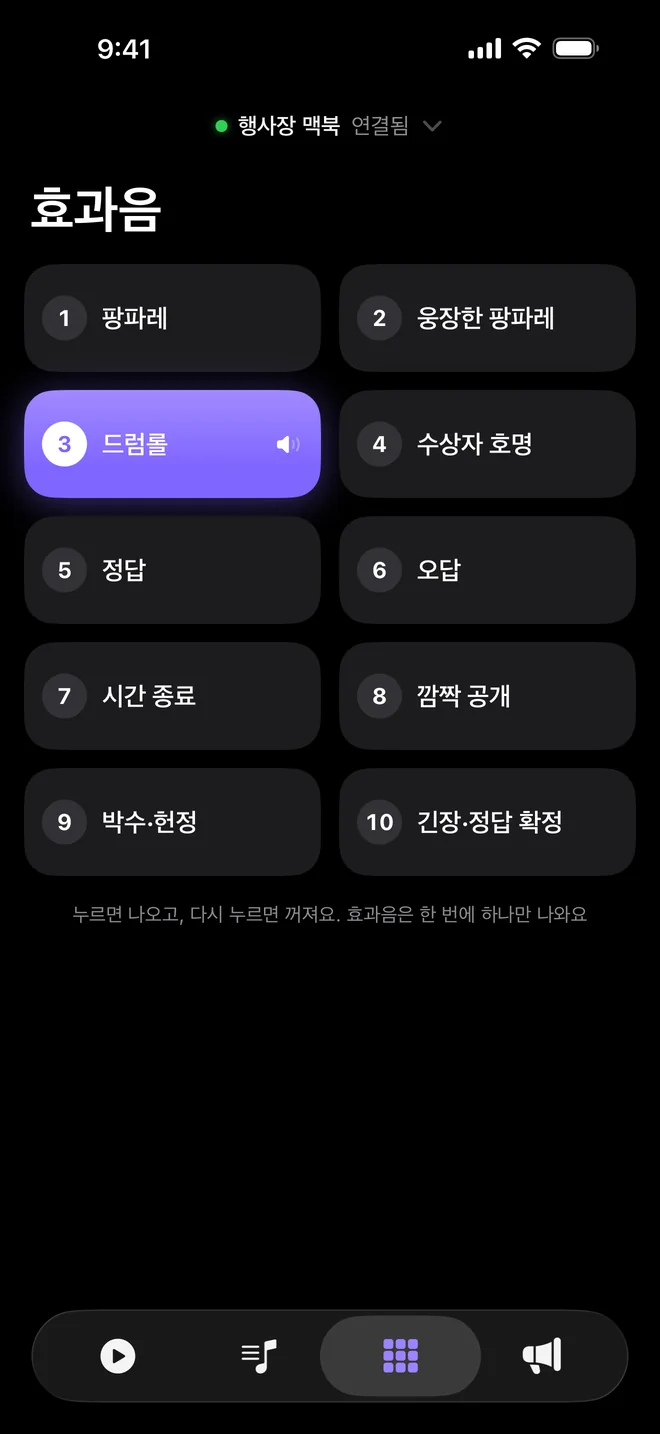
All 10 CuePlayer pads, with the names you gave them in CuePlayer. Tap to fire, tap again to stop.
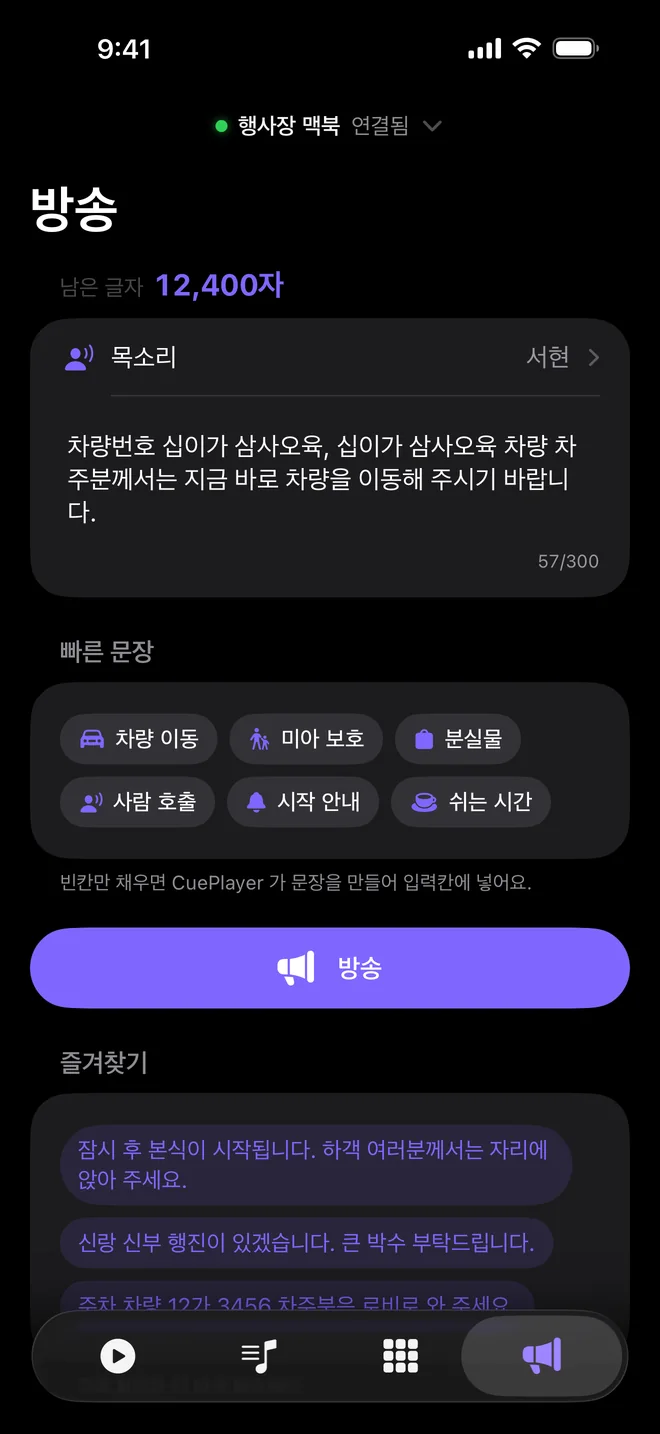
Type a line, or fill in one of six quick phrases (car move, lost child, lost item, paging, start, break), and CuePlayer announces it. Pick a voice and hear a sample first.
Announcements use CueTone paid voices only and use the credits on the CueTone account linked to CuePlayer. There are no in-app purchases.
Pairing

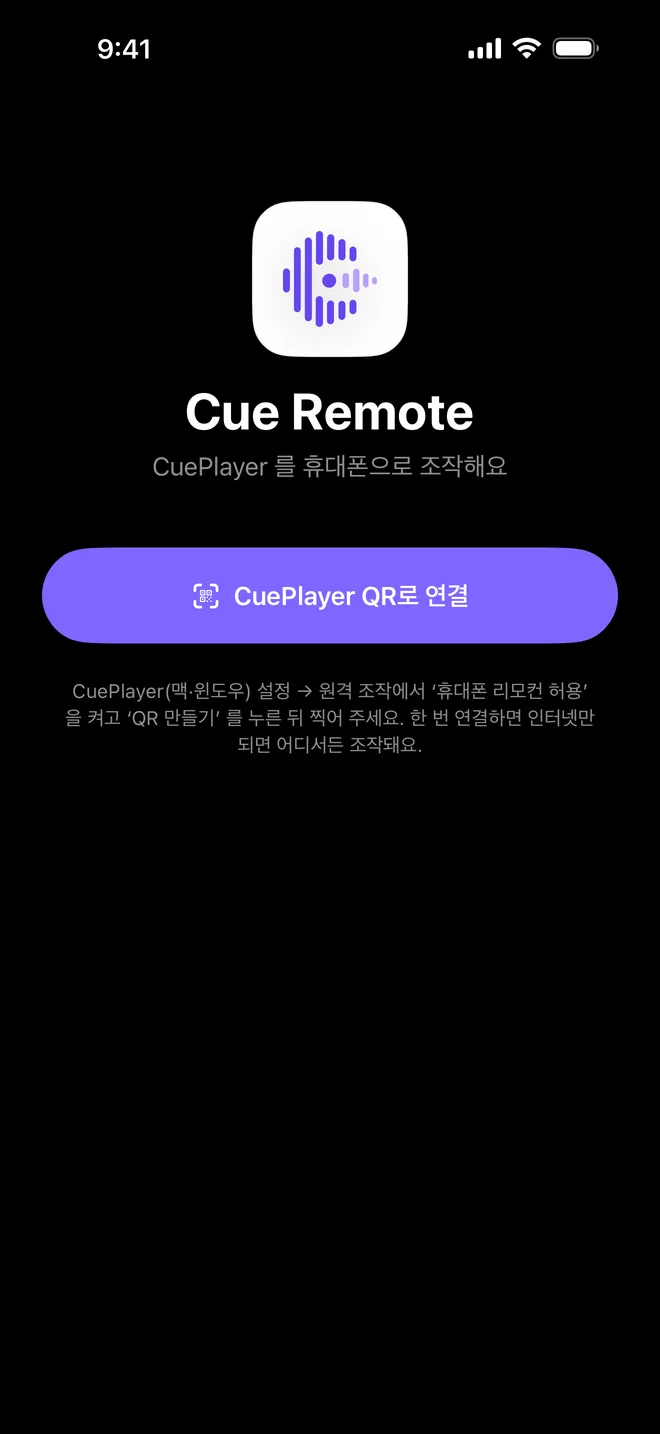
In CuePlayer Settings → Remote control, turn on the phone remote. CuePlayer needs a linked CueTone account.
Press Make QR. A QR code and a short code appear for 5 minutes.
In Cue Remote, tap Connect with CuePlayer QR and point the camera at it. Your phone's camera app works too, or type the code.
Stay in control
While the phone remote is on, a small green radio-waves icon shows in CuePlayer (on Mac, right under the red close button; on Windows, at the top-left of the top card). Click it and press Turn off remote to cut the connection at once.
Tap the connection pill at the top of the app and choose Disconnect. That phone's link is removed right away.
Turn off “Allow remote announcements” in CuePlayer Settings → Remote control. Playback and pads keep working.
Announcements from the phone use CueTone paid voices only. If there are no credits or the voice can't be made, it reports a failure instead of using the computer's built-in voice.
Allow ad performance measurement?
If allowed, we share visits, purchases, ad/browser identifiers, IP address and browser information with Meta, Google, NAVER to measure ads. We do not share your email, payment credentials or download links. You can decline and use all features, or change your choice anytime.
Privacy policy