CueAir · Connect a mixer
Behringer WING
updated
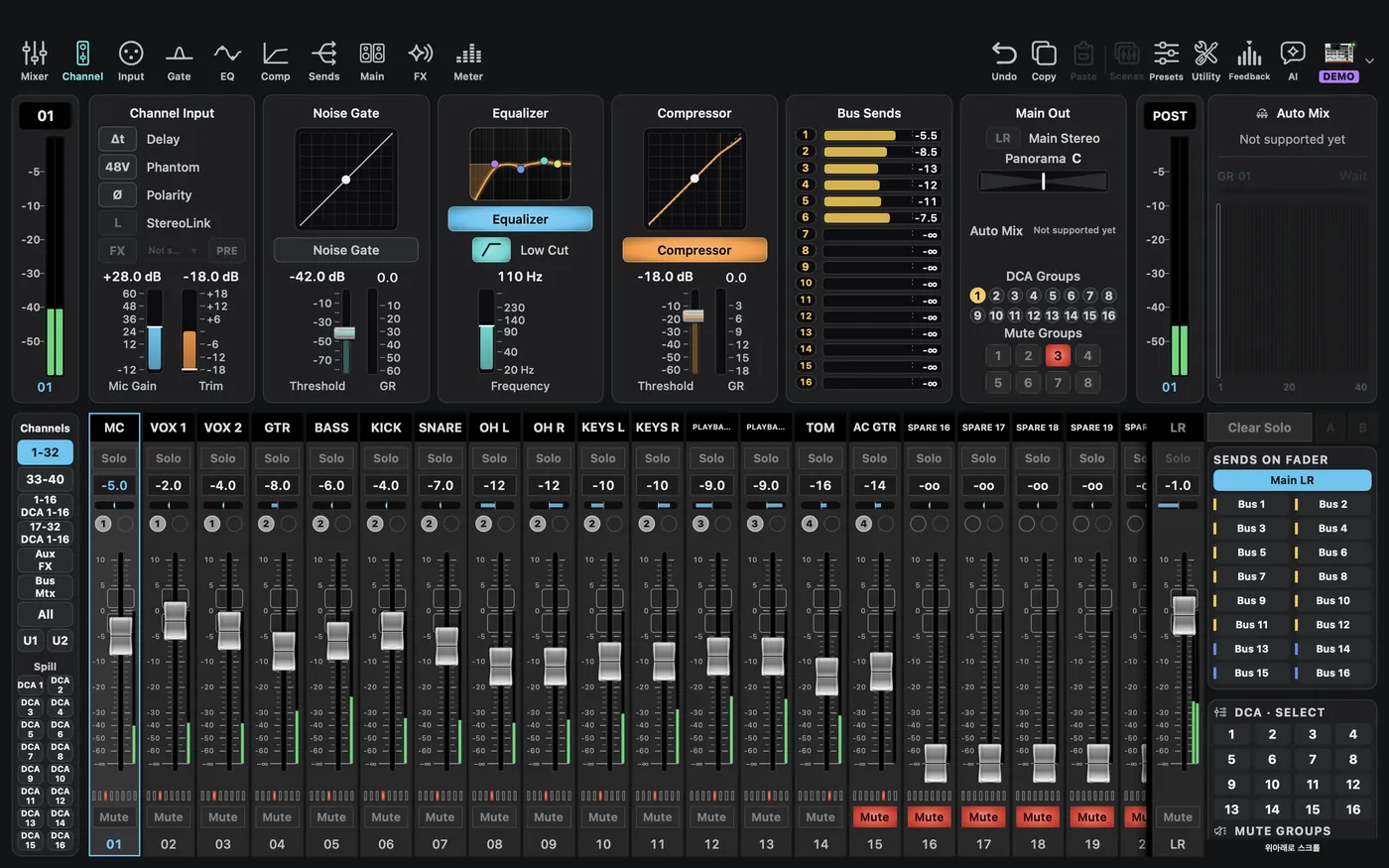
Explore using Explore Demo → Behringer → WING, or select a matching model in a new offline setup.
Physical connection: In Mixer Connection, pick Behringer WING in Type, enter the console IP in Direct IP, and choose Connect. With only an IP, CueAir uses the WING default port 2222; to type it, use 192.168.0.60:2222. WING does not appear in the discovered list, so read the IP from the console's network settings. After the full read, the first change opens the first-write dialog. Try one fader in a rehearsal before the real work.