CueAir · Connect a mixer
Yamaha TF
updated
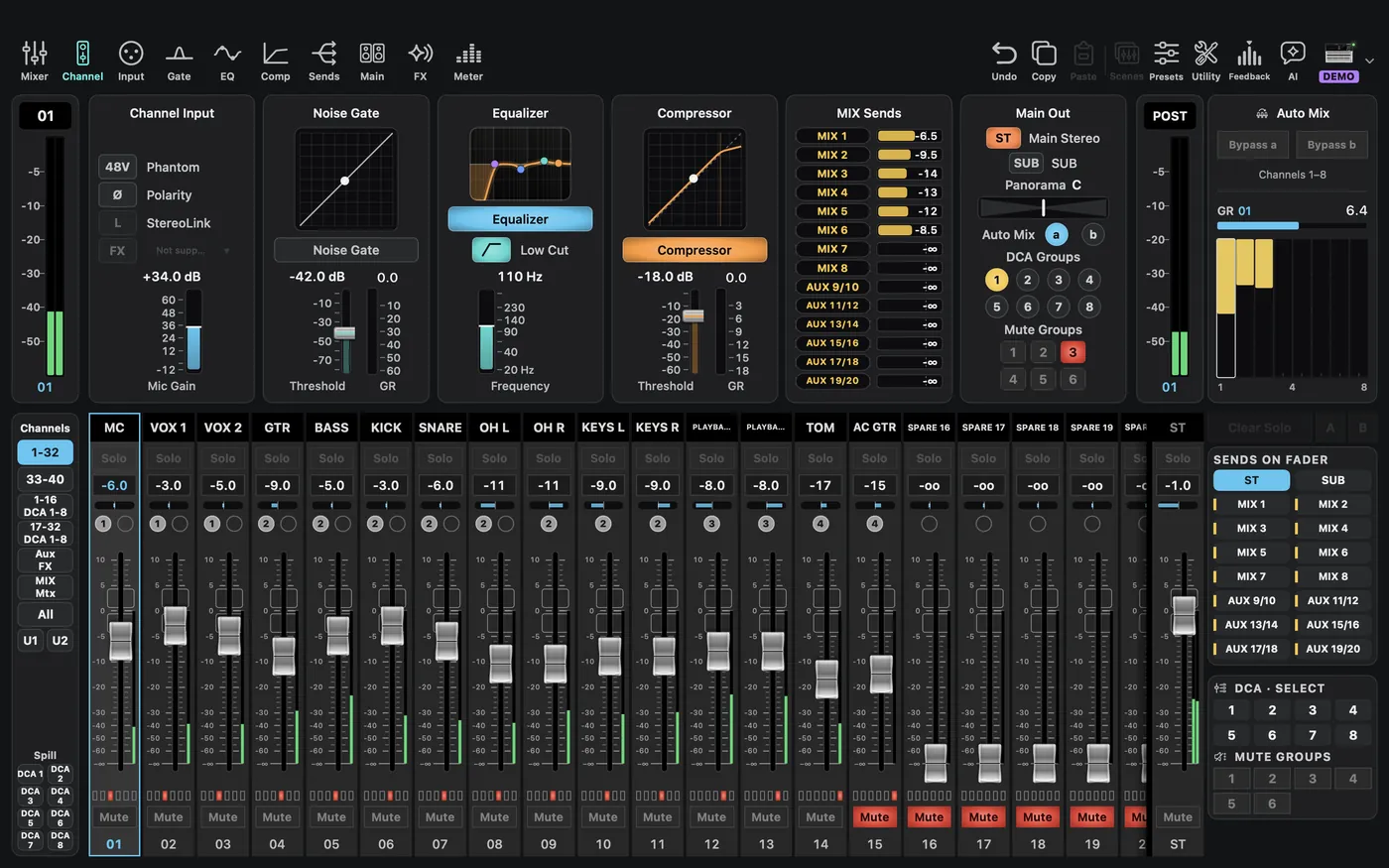
Choose Yamaha → TF5 in Demo, or the appropriate TF model in offline editing. TF uses ST for the main, MIX for mixes, and Pre / Post for send-point labels. Do not map those labels to another family's numeric tap values.
Physical connection: Pick Yamaha TF in Type and enter the console IP. With only an IP, CueAir uses port 50368, the same connection as TF Editor. Read the IP from the TF network settings. The first-write dialog appears before the first change, and 48V asks once more after that. USB audio and network control remain separate connections; demo edits are not sent to hardware. Check it in a rehearsal first.