
CueAir · CueAi assistant
What to ask
updated
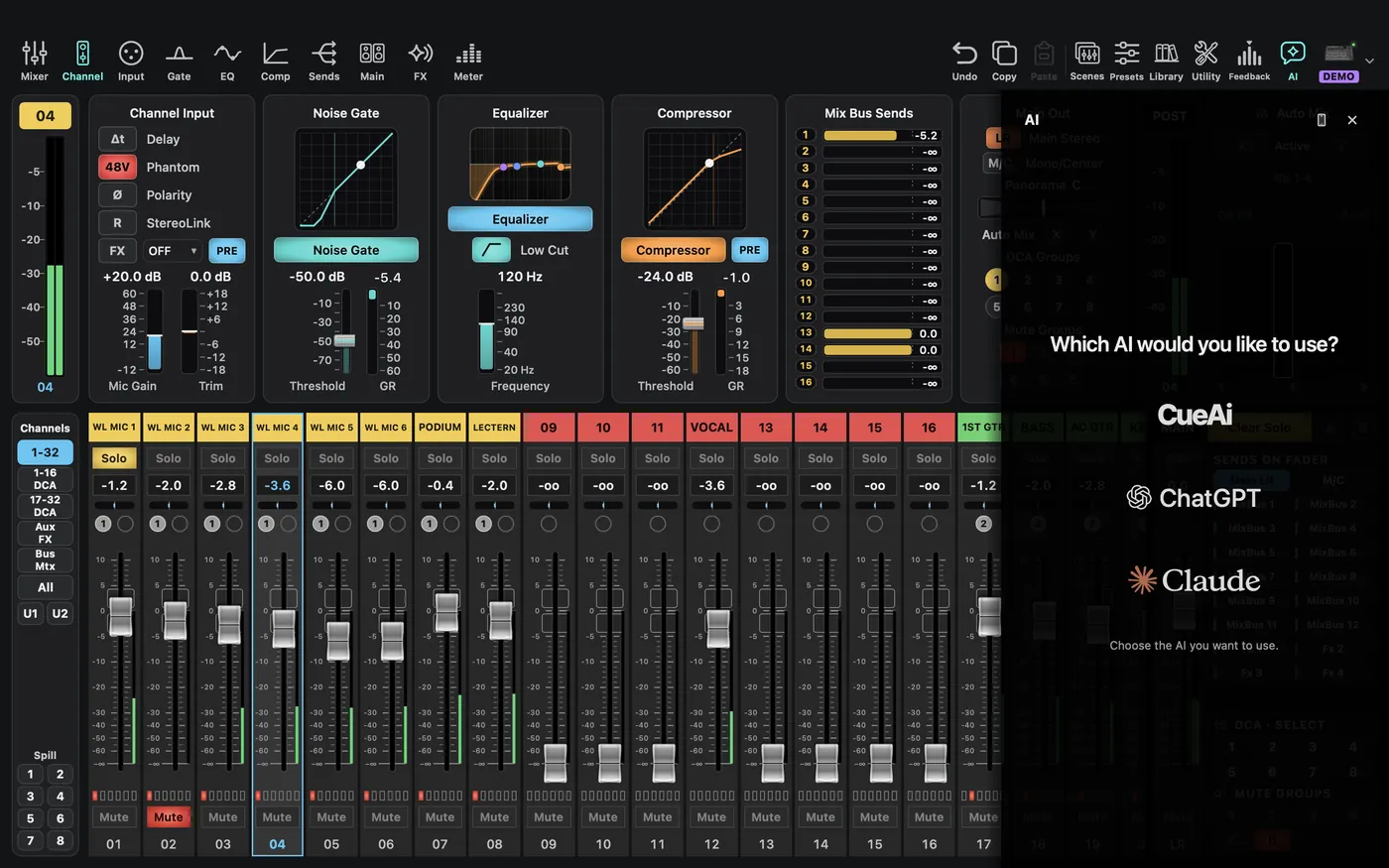
Open AI and select a provider. The provider label Cue AI and panel branding CueAi refer to the same CueTone account service. ChatGPT and Claude are also selectable, with separate sign-in, local-tool requirements, and provider allowances. They are not all paid from a single CueAi credit balance.
The first time you open CueAi, Help us build a better mixing AI. appears once. Choose Help build it or No thanks to start. Conversation text and sound are not used, and sign-in and paid use work the same if you decline. You can turn it off any time in Settings › AI.
Start with Auto Apply off and ask a specific question:
- “Explain Input, Sends, and Main on this X32. Do not change settings.”
- “CH 05 is a vocal. Read its current EQ and compression and propose a clearer speech starting point.”
- “Our church-band click enters CH 31. Explain how to send it only to monitor buses 1, 3, and 5. Explanation only for now.”
- “Check click-channel LR/M/C assignments and monitor-bus main assignments for possible audience leakage.”
- “Explain the difference between a file backup and an onboard scene before rehearsal.”
Provide channel numbers, equipment, room information, monitor buses, and goals. Venue setup is available through the account/venue summary; mixing-style preferences can be reviewed in the account menu.
AI cannot connect cables or select the Mac playback device. Its control-state observations do not establish what the audience hears. An operator must verify unknown routing and unreceived values.