CueAir · Connect a mixer
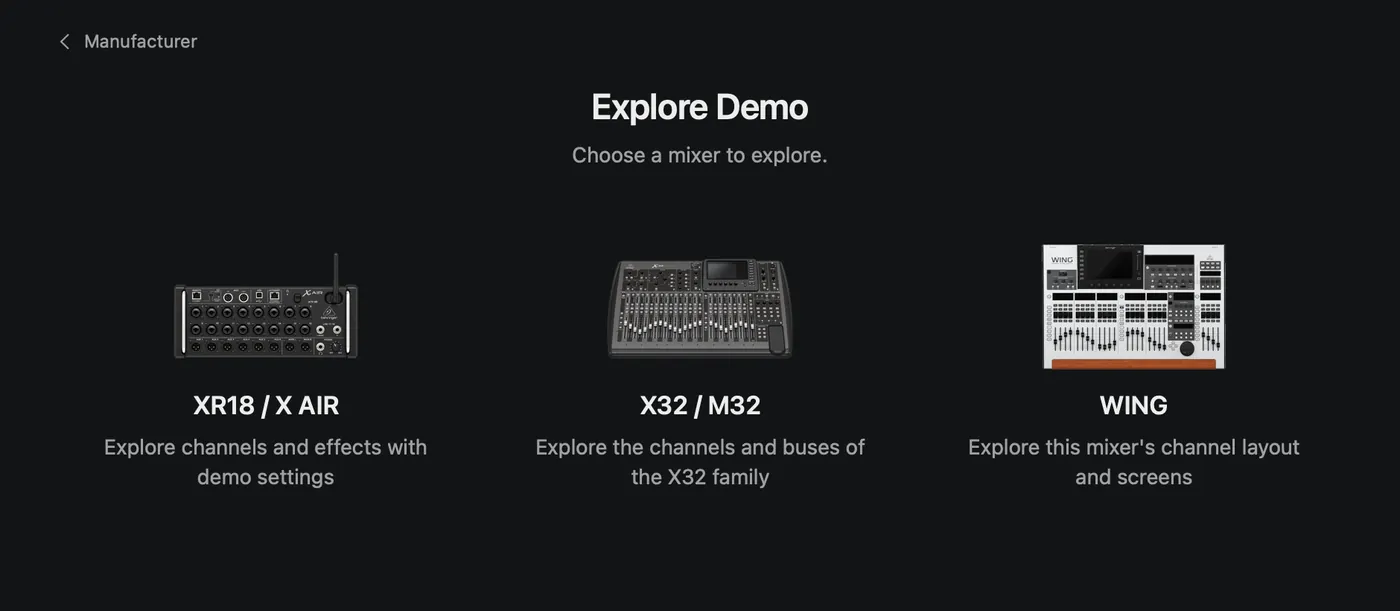
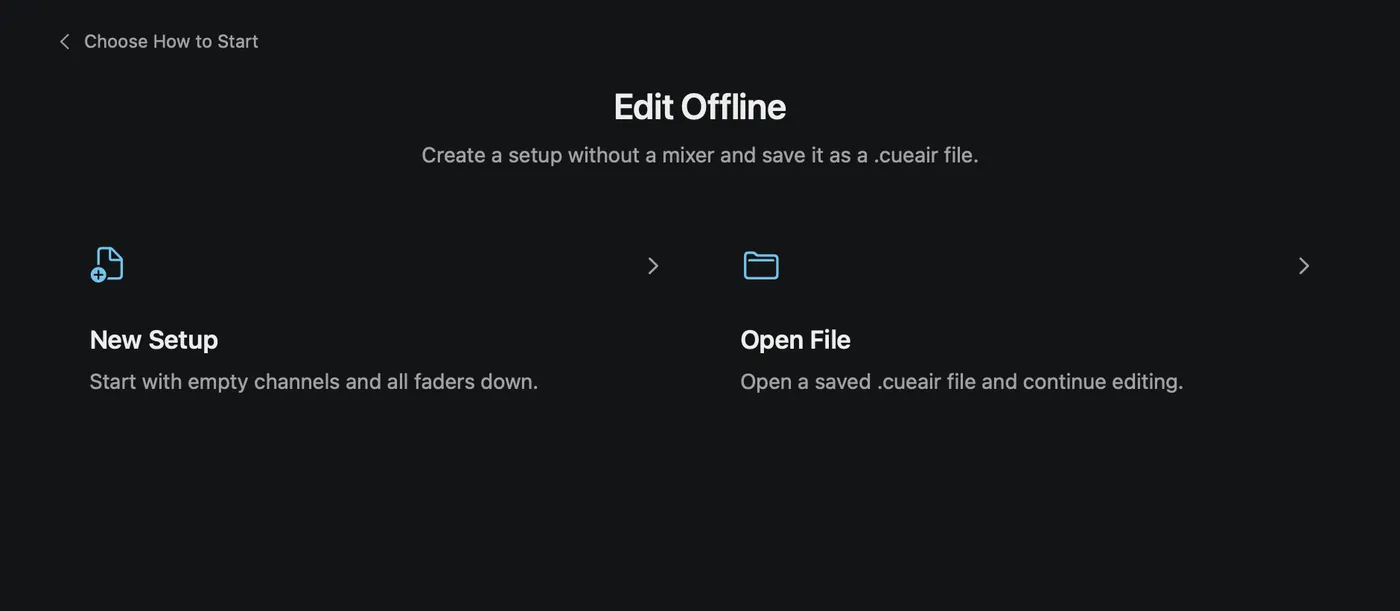
Demo versus Offline
updated
| Mode | Explore Demo | Edit Offline |
|---|---|---|
| Purpose | Example channels and controls | Prepare or edit a saved setup |
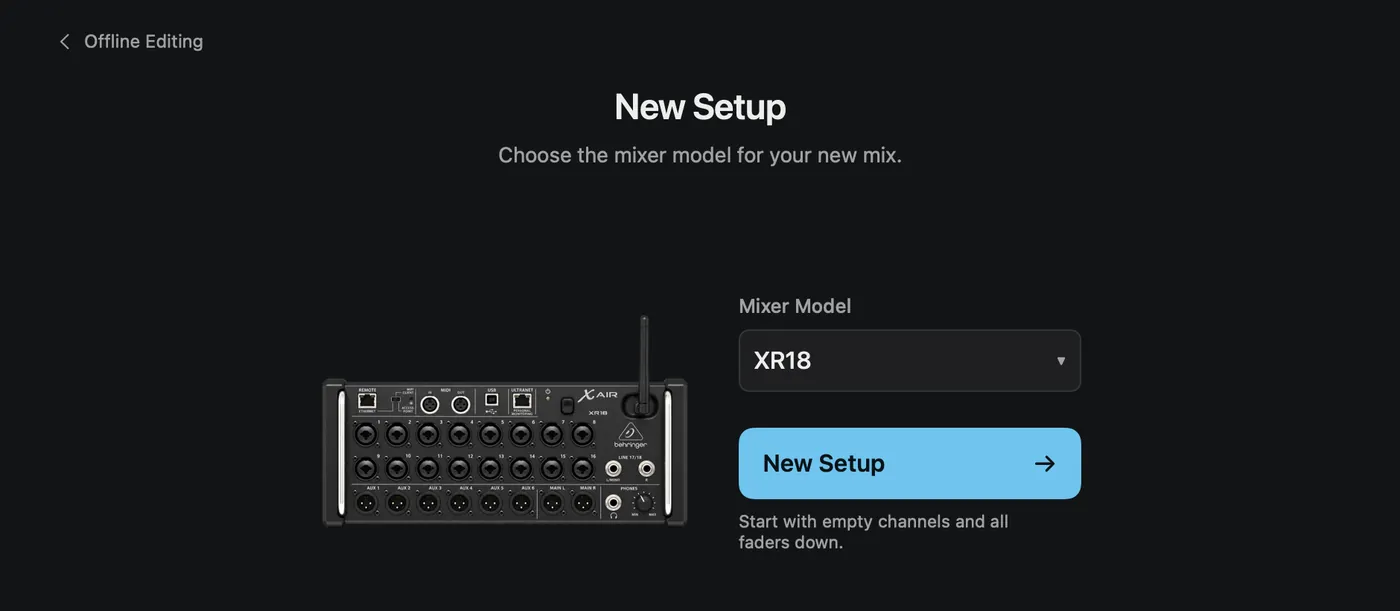
| Start | Manufacturer and representative mixer | New Setup model or Open File |
| Audio | Simulated or unavailable meters | Not physical audio |
| Files | Save and Load unavailable; edits discarded on exit | Save and reopen .cueair |
| Physical writes | None | Not automatic; requires a supported connection, matching model, Load, and confirmation |
A new offline setup starts with blank channels and lowered faders. Never load it into a live service as an experiment. When leaving an edited offline document, choose whether to save, discard, or cancel.
While a physical mixer is connected, the connection window does not show Offline Editing… or Demo. Choose Disconnect first.