CueAir · Connect a mixer
Soundcraft Ui
updated
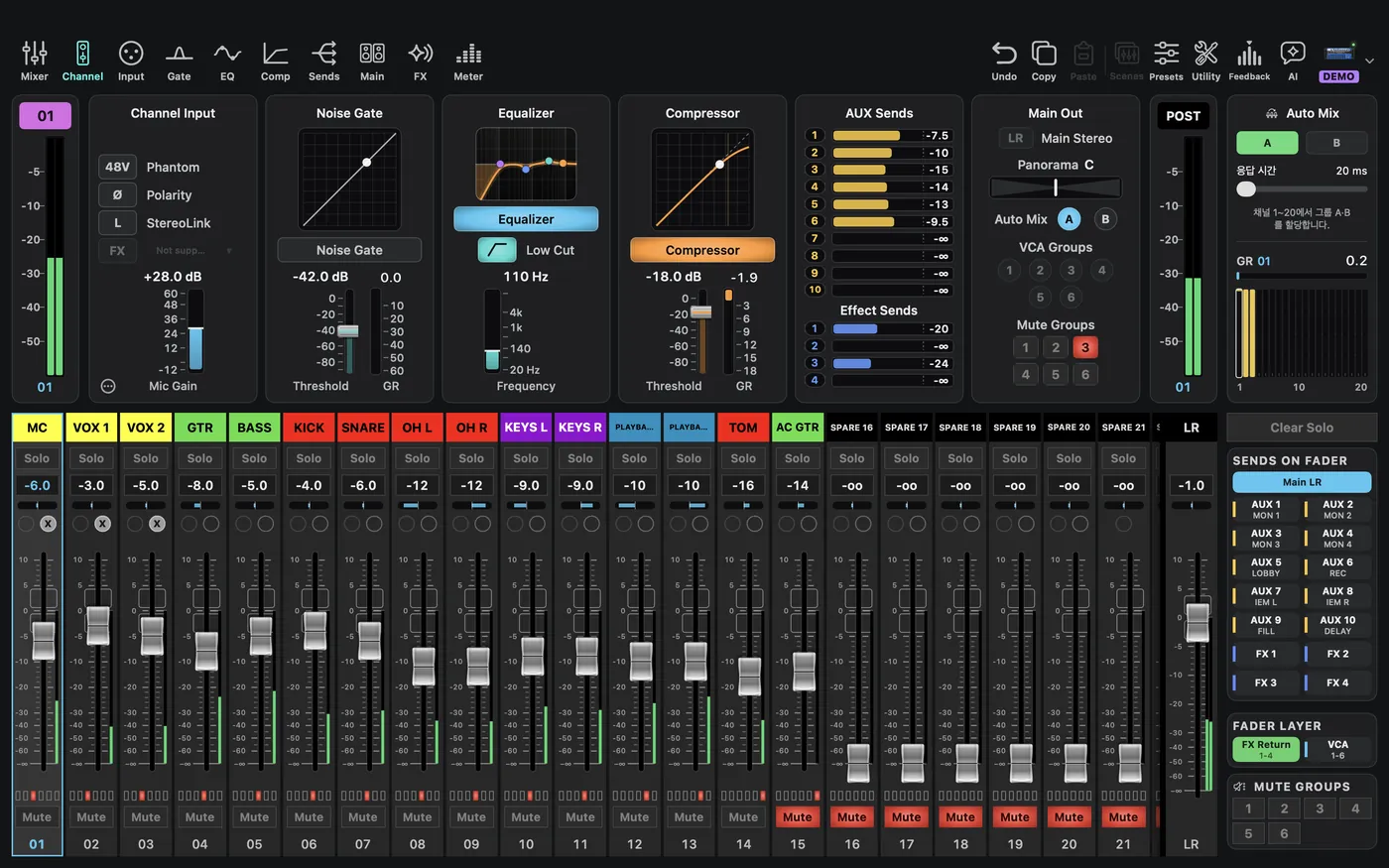
Choose Soundcraft → Ui24R in Demo and a matching Ui model offline. Family-specific terms include AUX and VCA. Ui24R and other Ui models do not have identical capabilities.
Physical connection: Pick Soundcraft Ui in Type and enter the Ui IP, the same address you open in a browser for the Ui web screen. With only an IP, CueAir uses port 80. The first-write dialog appears before the first change. CueAir is a native Mac app, not the manufacturer's browser UI. It does not promise every control from the official editor. Check it in a rehearsal first.