CueAir · Monitor-only click
Method A: Mac USB audio
updated
- Connect the Mac to the mixer's computer USB-audio port or a separate interface. For X32, verify the installed USB audio card. A USB-stick recording port is not the same connection.
- Select that audio device in macOS or the metronome/DAW. Assign dedicated playback outputs where supported. This selection is outside CueAir.
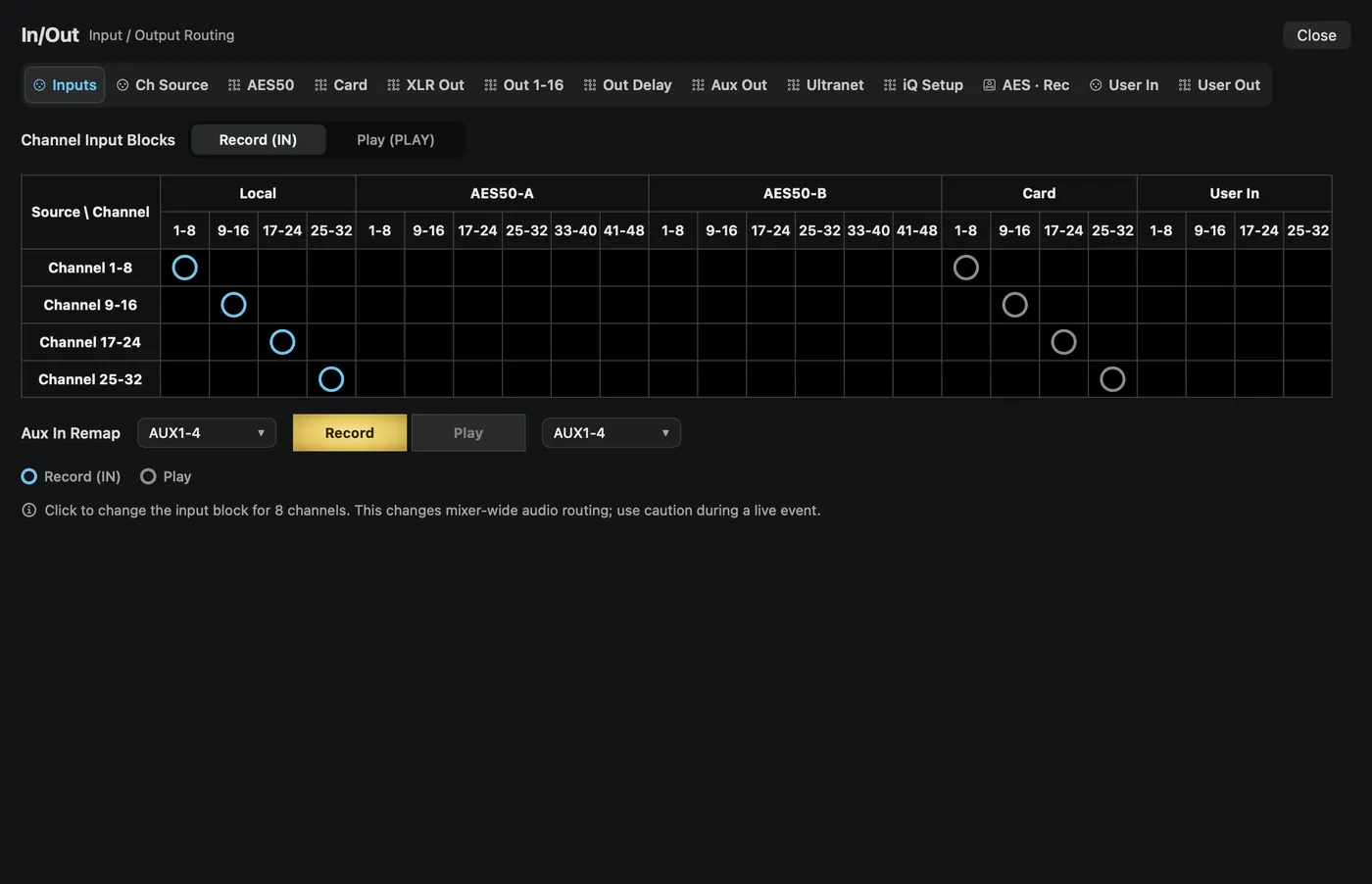
- Check which X32 inputs receive those USB playback channels. In CueAir's menu-bar
In/Out…→Inputs, distinguishRecord (IN)andPlay (PLAY)and inspect the necessaryCARDblock. A block change can replace several channels at once. Do not overwrite working vocals or instruments. Ask the console operator if uncertain. - On the click channel's
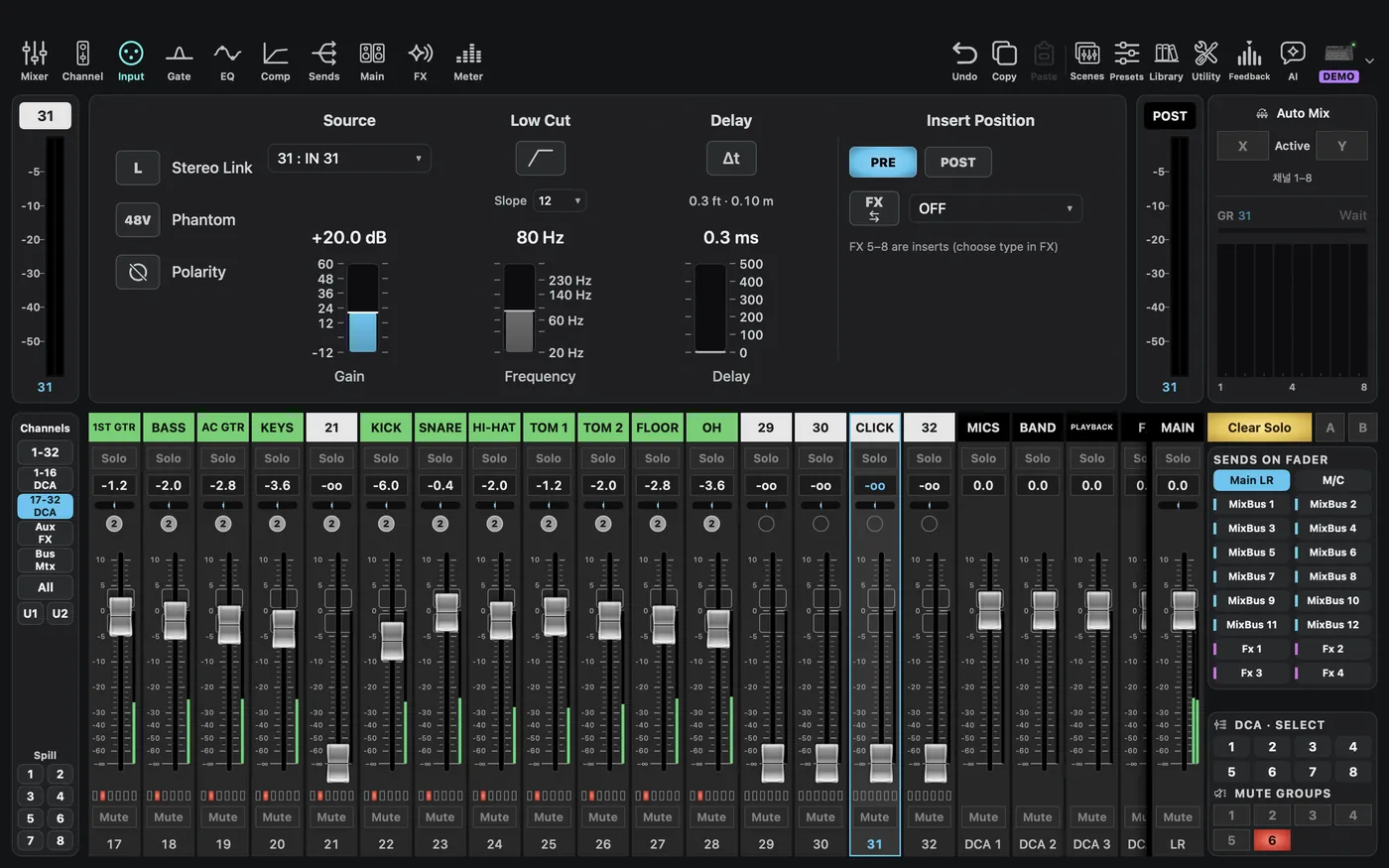
Input→Source, select/check the corresponding patchedINsource. The twoUSBsource entries in X32's source list are not names for every expansion-card playback channel. - Supported X AIR models instead expose channel
USB/USB Returncontrols. Do not copy that procedure to X32 or assume XR12/XR16 has the same returns. - Keep alerts and unrelated app audio away from the click output. Focus/Do Not Disturb alone is not a guarantee that every system sound is excluded.