CueAir · Connect a mixer
Allen & Heath CQ
updated
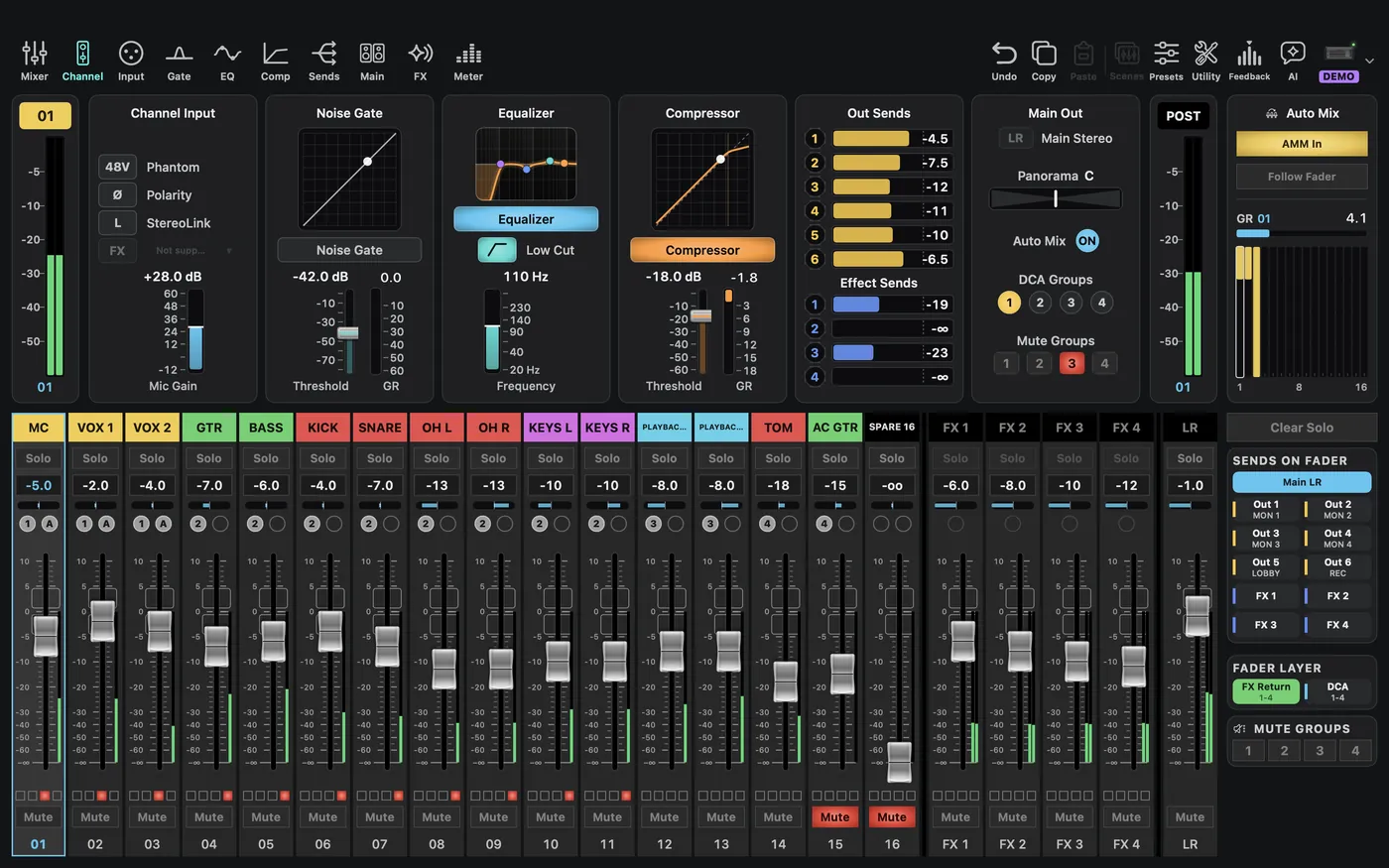
Choose Allen & Heath → CQ-20B for Demo and the actual CQ model for offline preparation. Monitor outputs are named Out. Channel counts and available controls depend on the model and supported features.
Physical connection: Pick Allen & Heath CQ in Type and enter the CQ IP. With only an IP, CueAir uses port 51326, the same connection as the CQ MixPad app. Read the IP from the CQ or MixPad network settings. The first-write dialog appears before the first change. Unconfirmed, read-only, and unsupported states do not mean a control is available for editing, and controls the official app does not offer stay closed. Check it in a rehearsal first.